For this exercise, we were told to create a new Elementor page, and given files to use to create our own parallax.
Step 1
Add a single column section and change the colours as shown.
Add a section heading called Parallax Exercise.
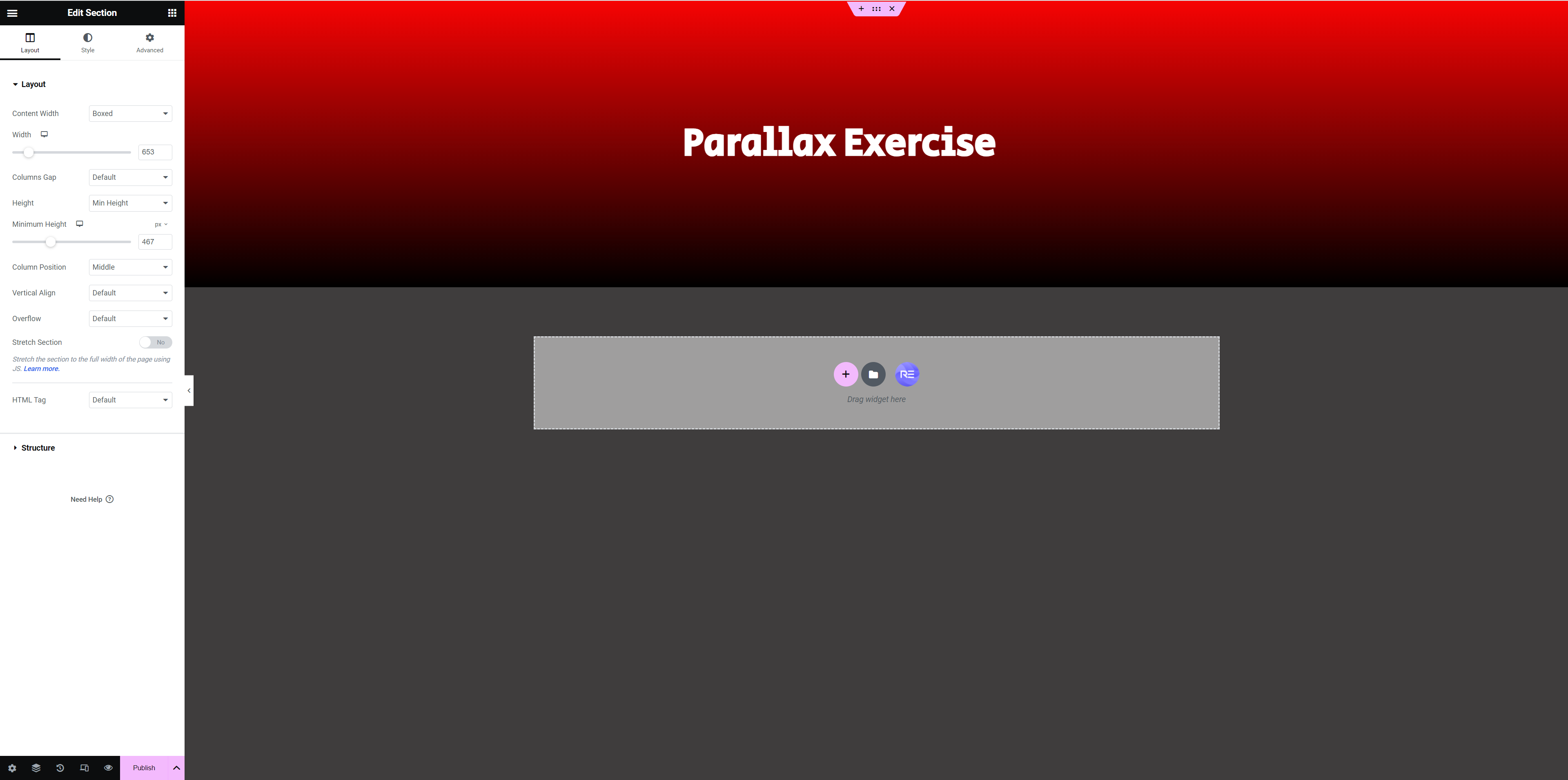
Add another single column section below the first.
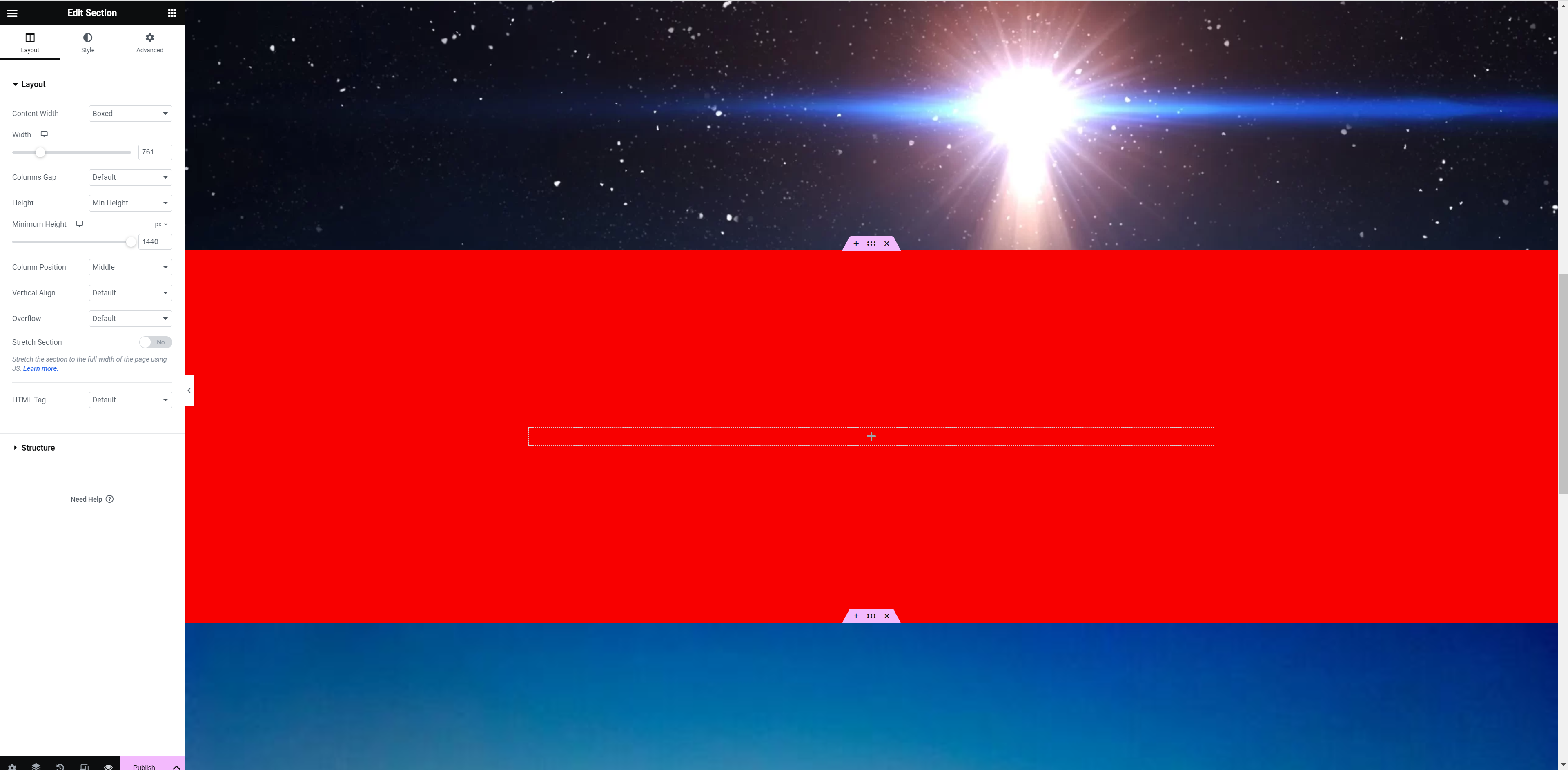
Use the space scene to change the background as shown.
Note the use of FIXED as the attachment type. This will anchor the background image as you scroll.
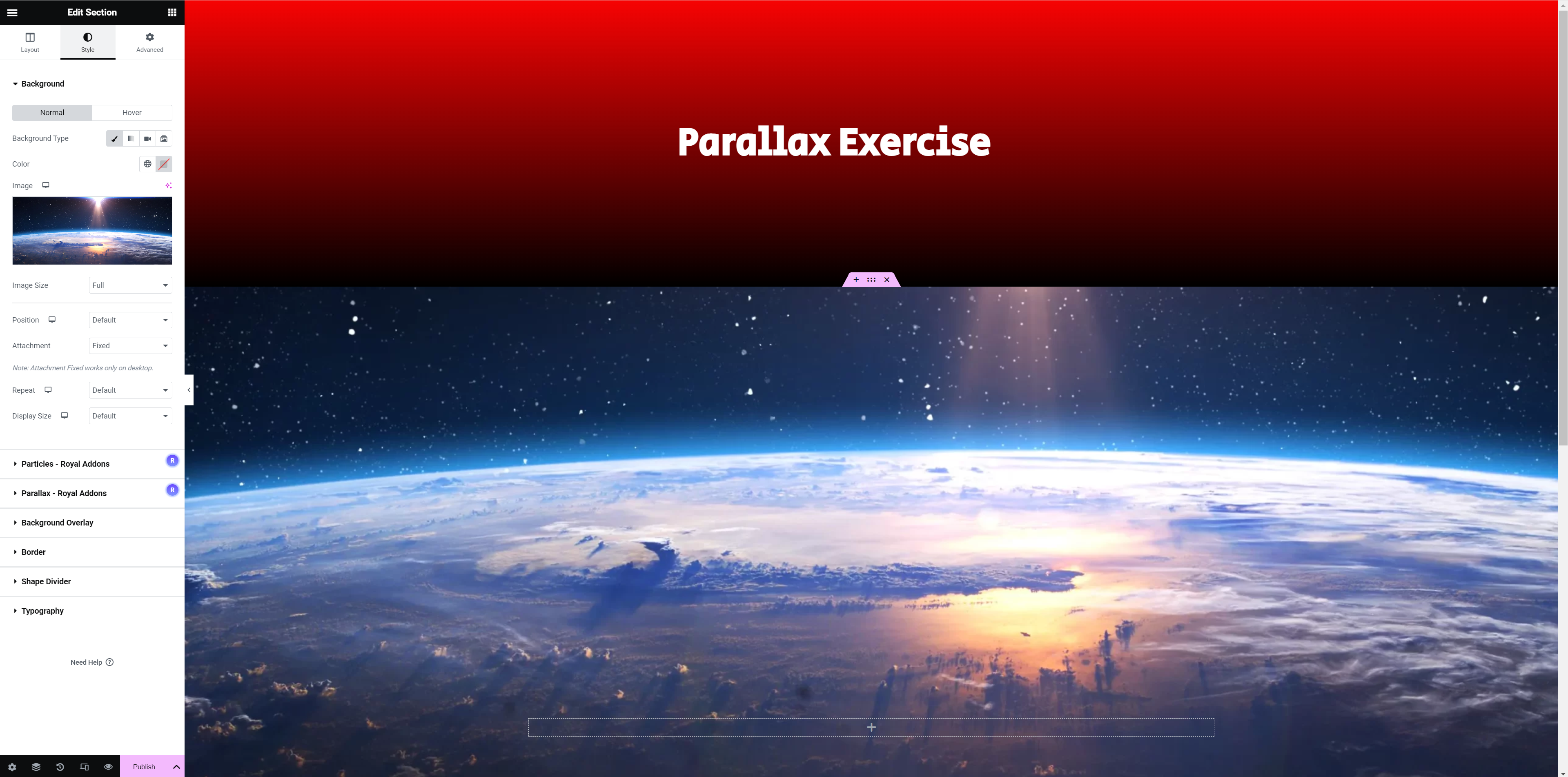
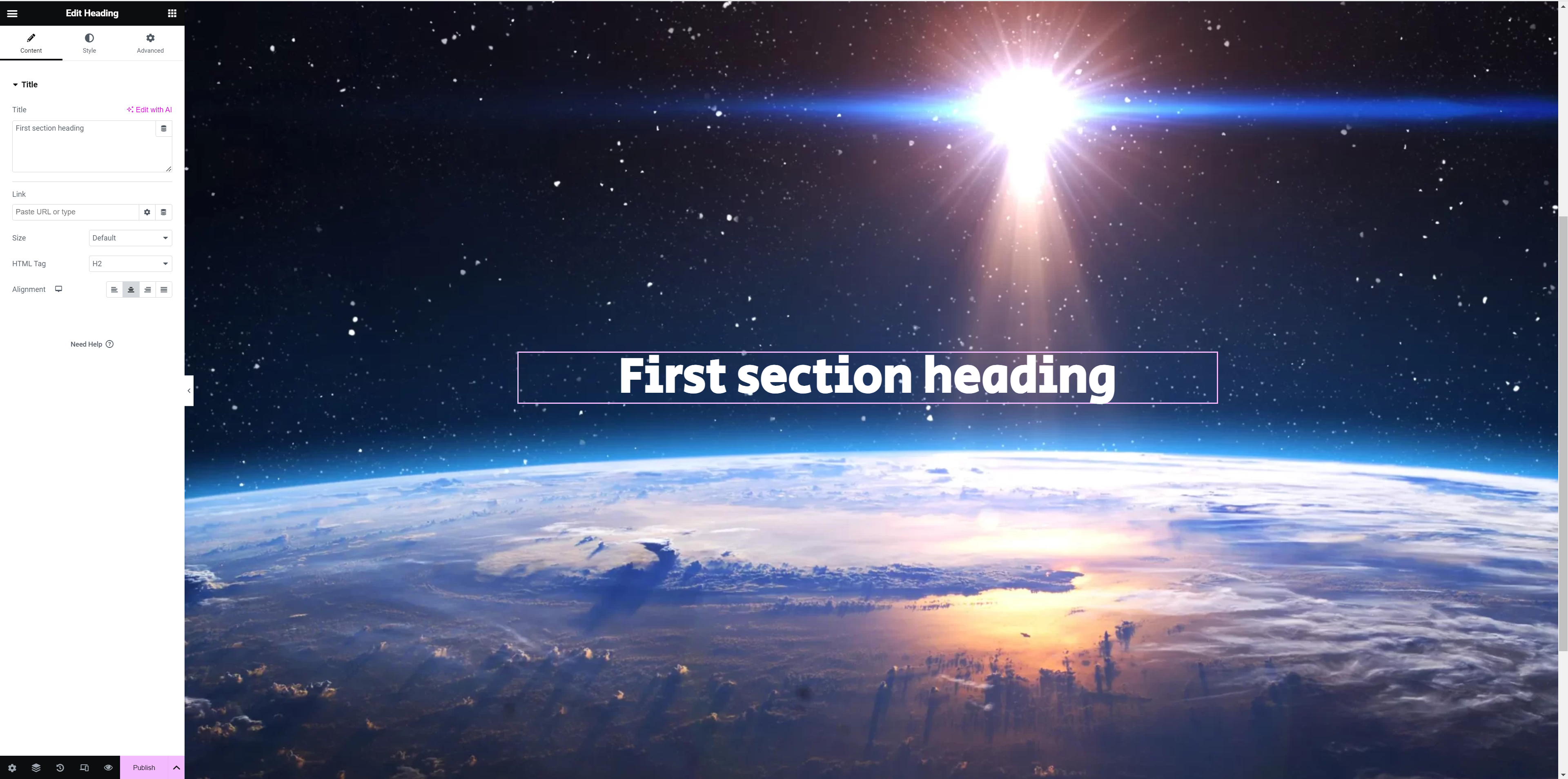
Add section heading as ABSOLUTE attachment type. This will enable you to move the position within the section.
Lets add a spaceship to the scene as an additional image. Use the ABSOLUTE for this one.
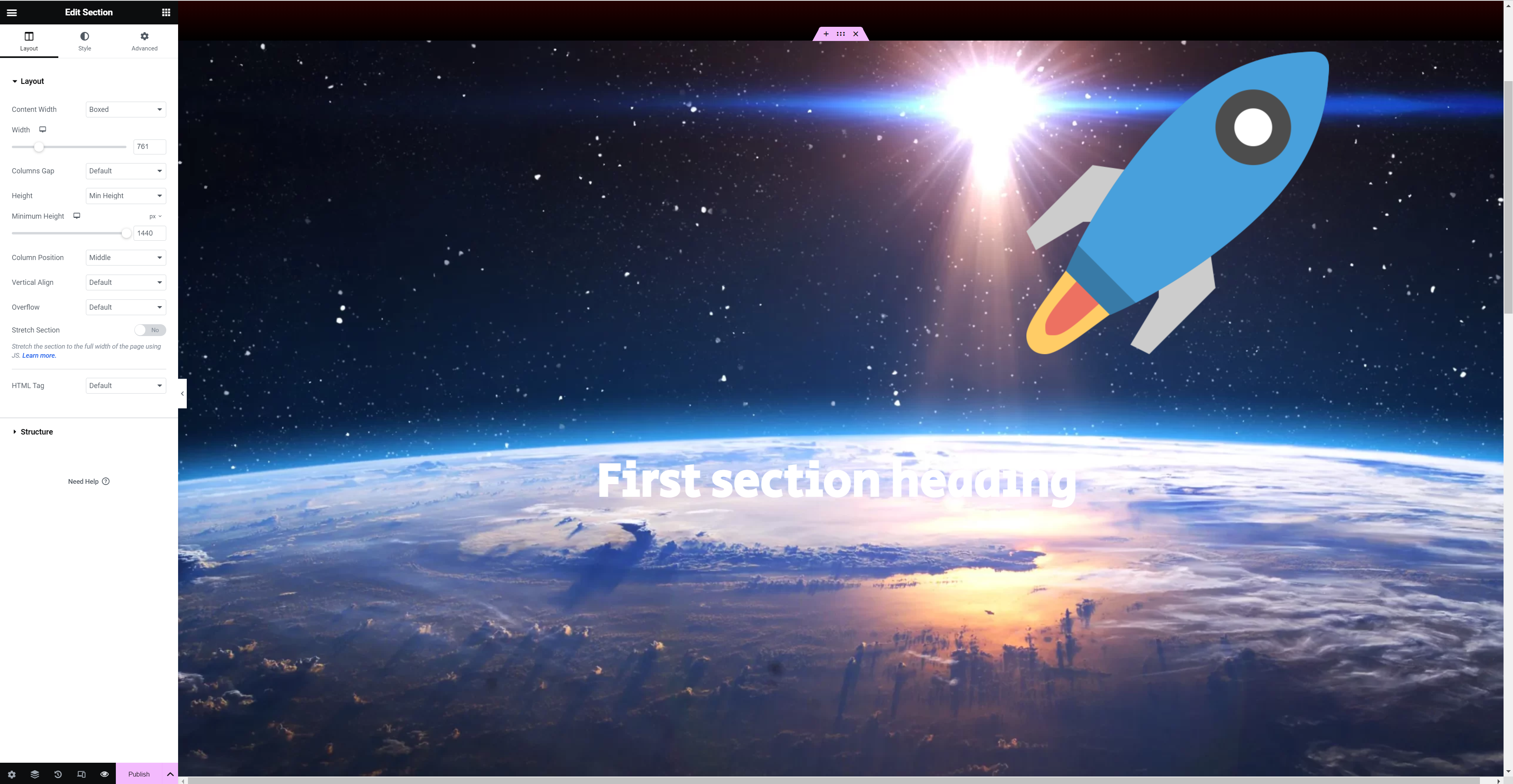
Once the spaceship is in position you can also animate so you get some additional movement as you scroll.
Next add a section with a solid colour.
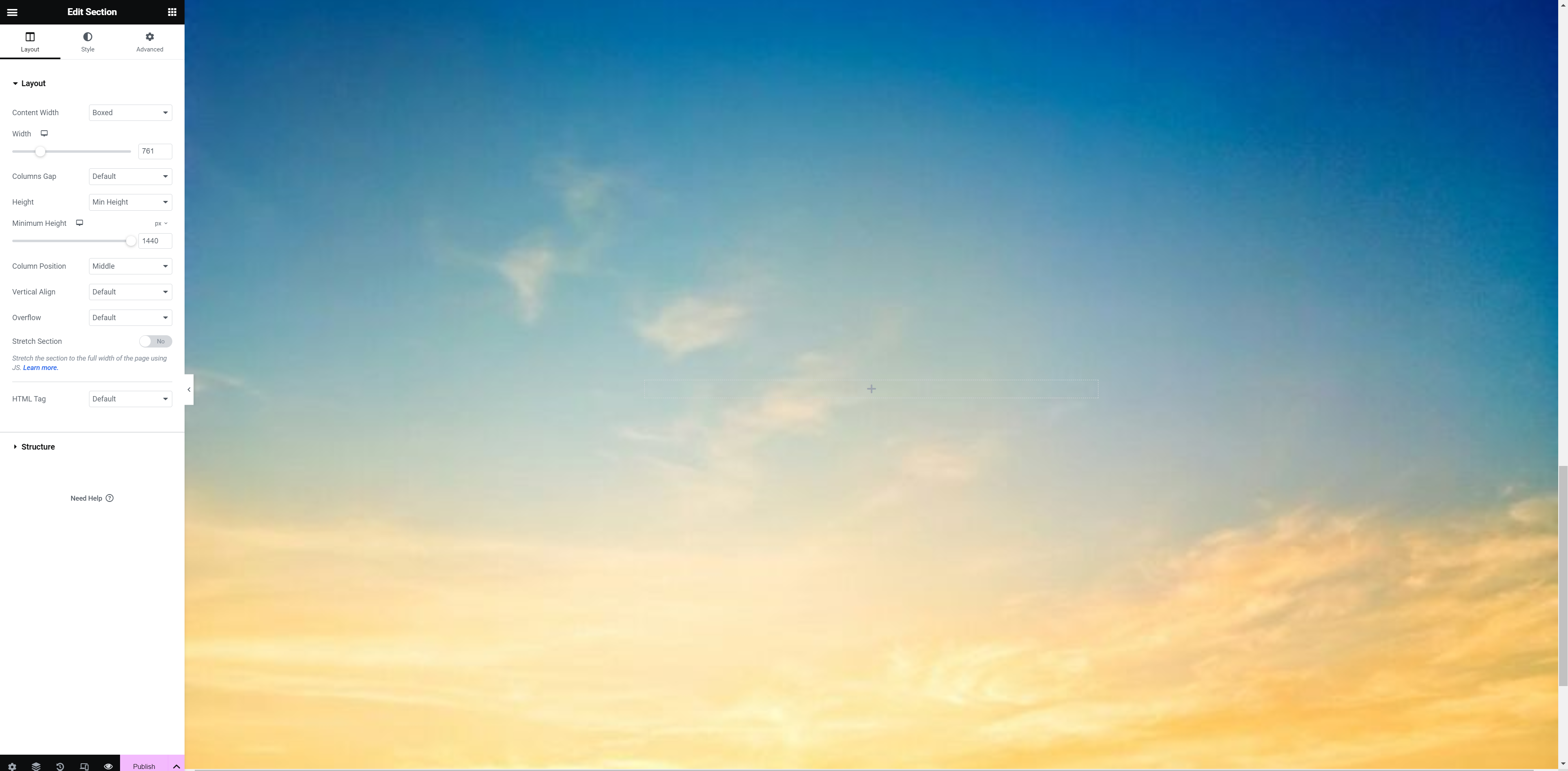
Now try and add the sky scene to the next section.
The following is a video of my parallax page with the animations.