These sessions consisted of learning about an immersive user experience, covering augmented reality.
What is augmented reality?
Augmented reality uses a combination of computer generated images or animations and the users real world view to create an immersive user experience.
Augmented reality is a technology used by many brands worldwide, to give their target audience the opportunity to experience their products and therefore encourage sales. One example of this is Garnier’s hair colour try on feature. When accessing their website, they use augmented reality to show the user what their hair would look like when they use their hair dyes.
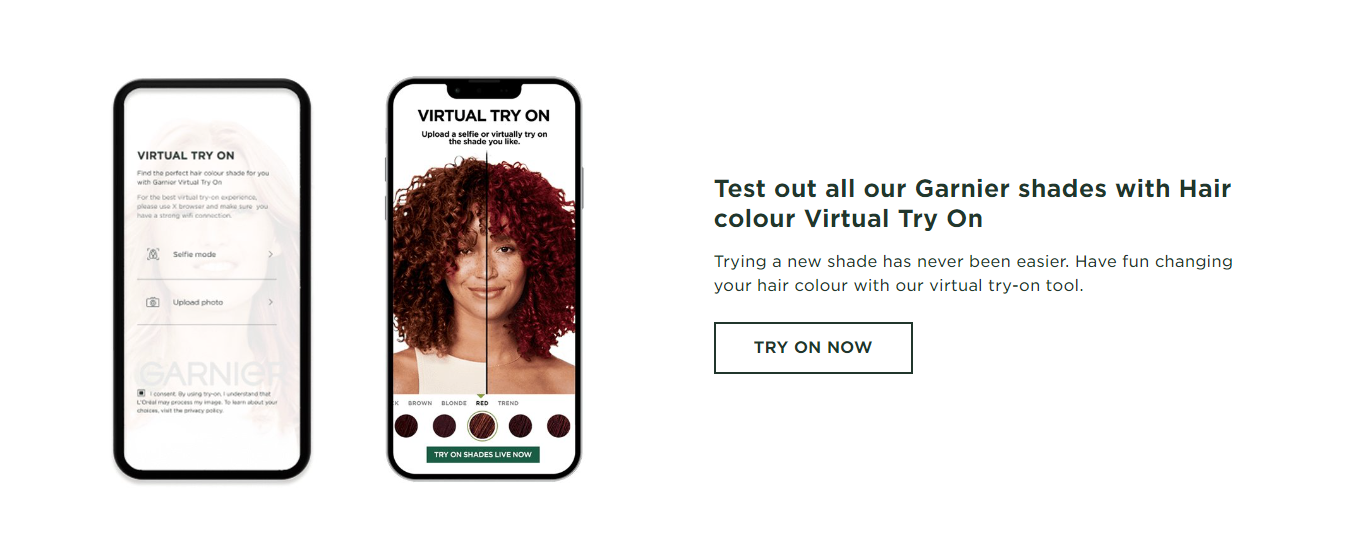
This encourages the user to make an informed decision on what colour would suit them best and therefore encourage sales.
Lab exercise – Zapworks:
Unfortunately, although this task suggests the use of Unity as the program of choice, when I attempted to load the software into Unity, I was met with error messages. After discussion with teaching staff, it was decided that the task be completed through Adobe Aero.
Due to the files being sourced from Unity, I was unable to use the assets given for this task. After analysis of the original tasks, I determined that the outcome of the lab exercises was to link a computer generated image to an anchor and then to animate it, which I completed with different assets.
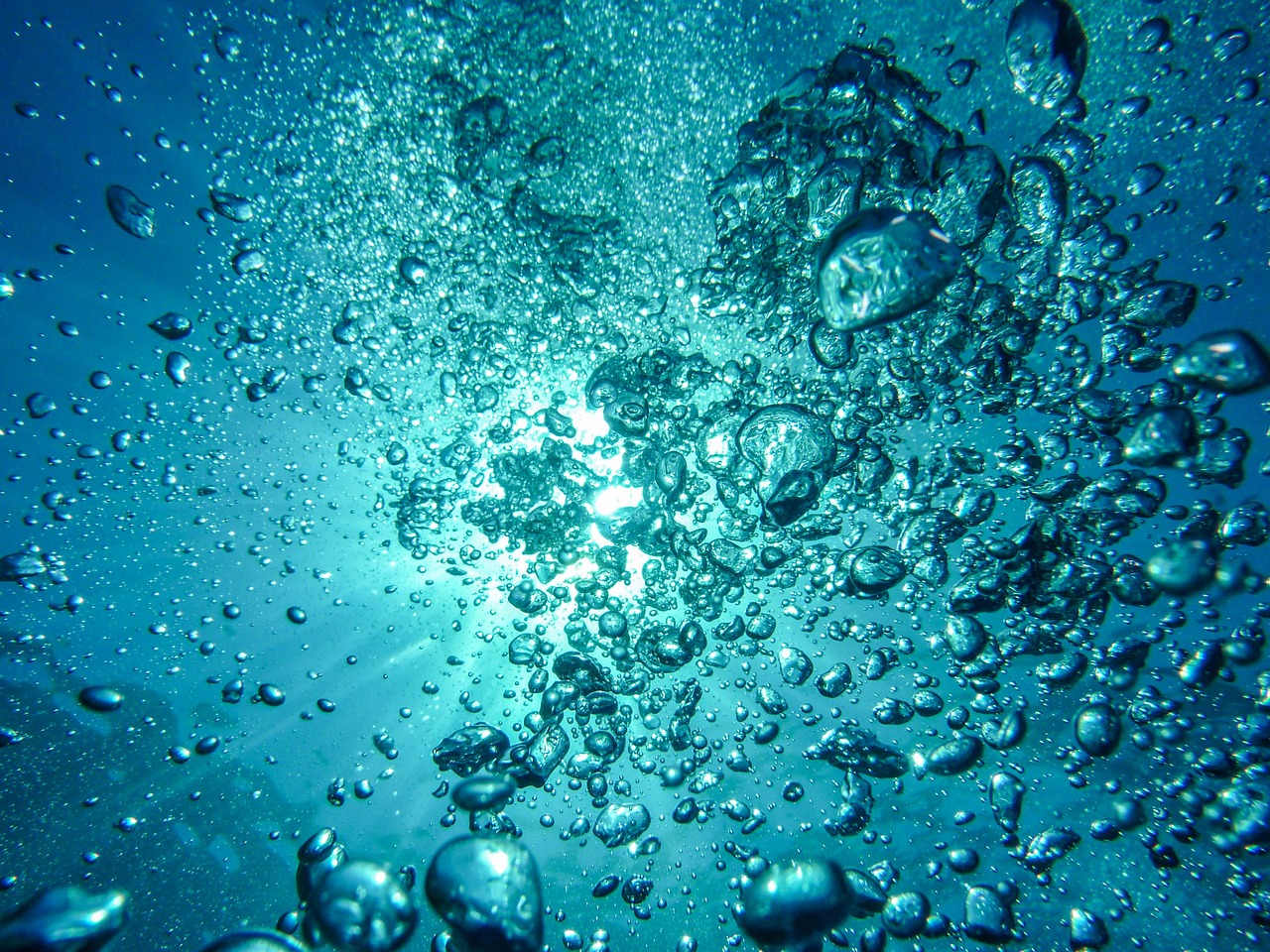
For this task I used an image taken from Pixabay (Pixabay, 2024) of water and decided to create an ocean scene. I used available assets of jellyfish from the program and anchored the image to the assets.
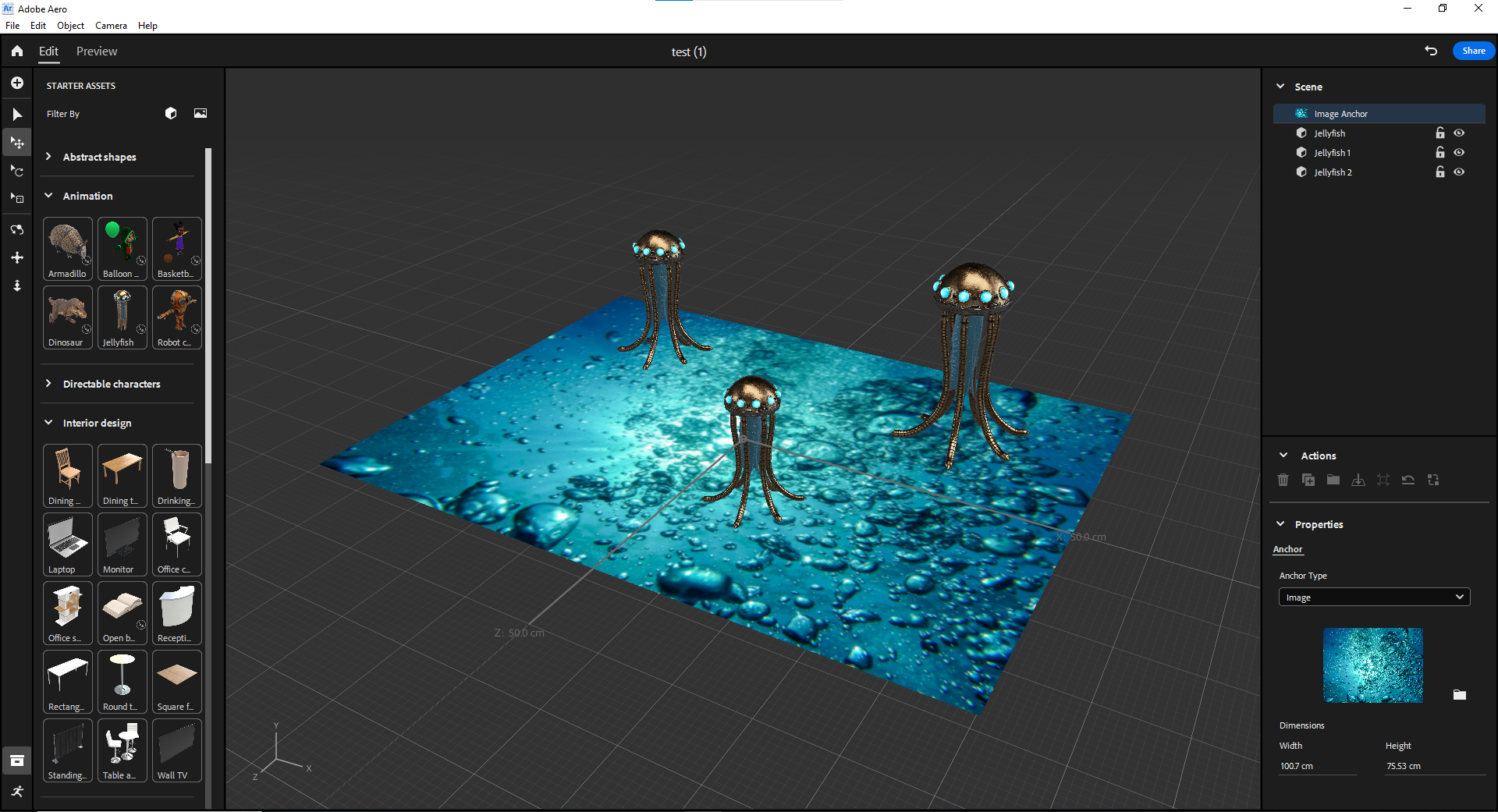
Following construction of the scene on the desktop version of aero, I downloaded the app onto the iPad to check if it would work.
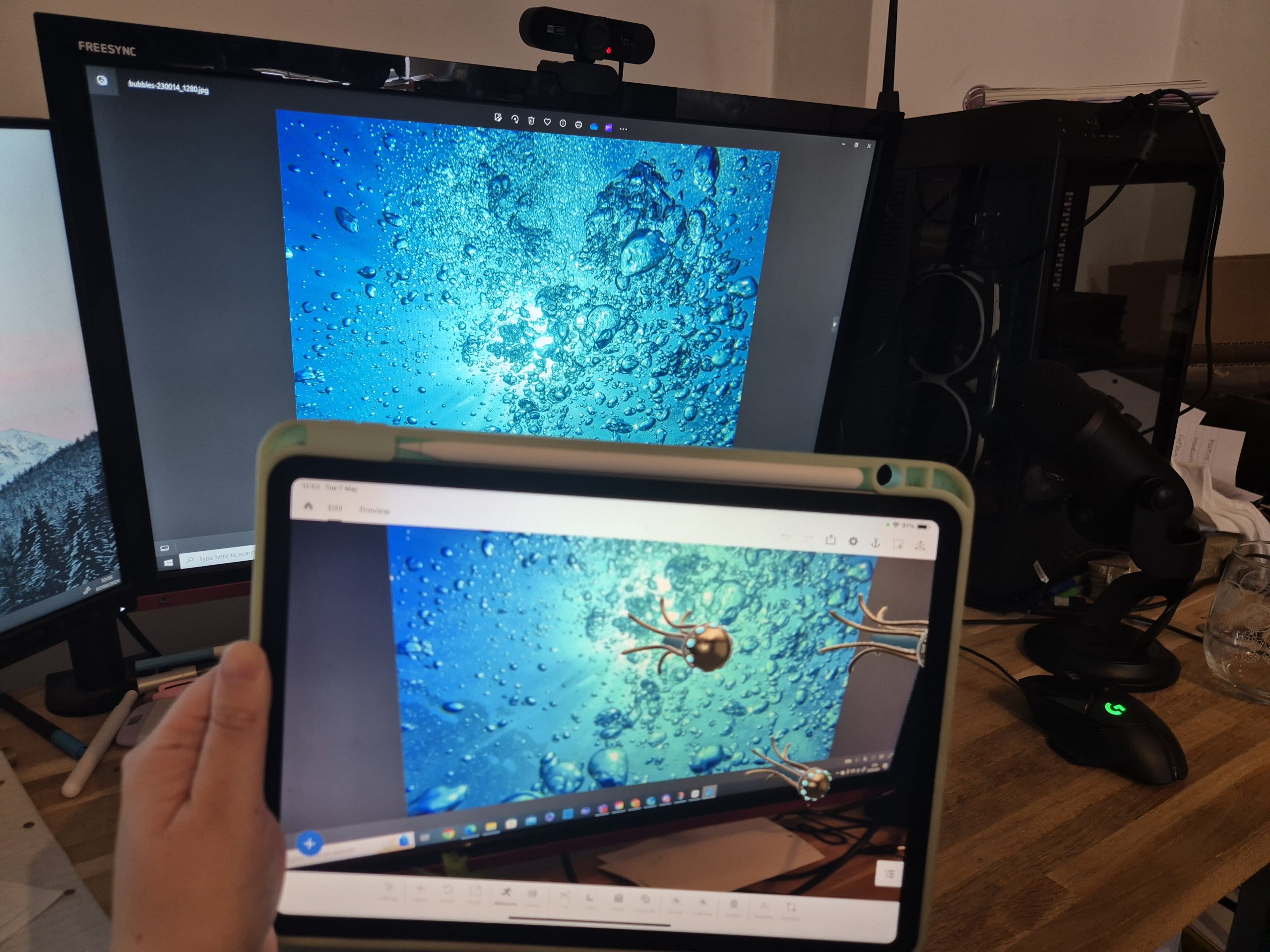
I then added animation to the jellyfish assets through the behaviour tab and linked it to start the animation when the camera is over the image.
Because this was created with Adobe Aero, I was unable to upload this to Zapworks, however a similar process for giving people access exists in aero already. I clicked on the share button.
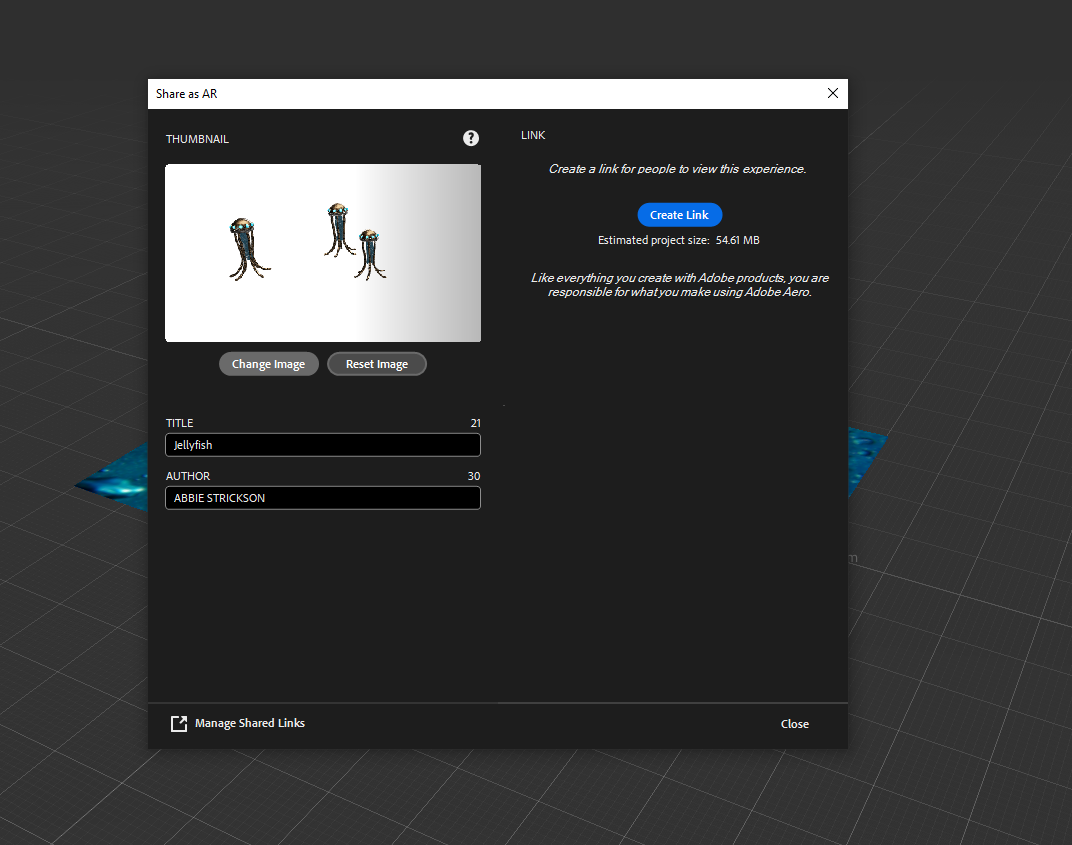
I then clicked on create link.
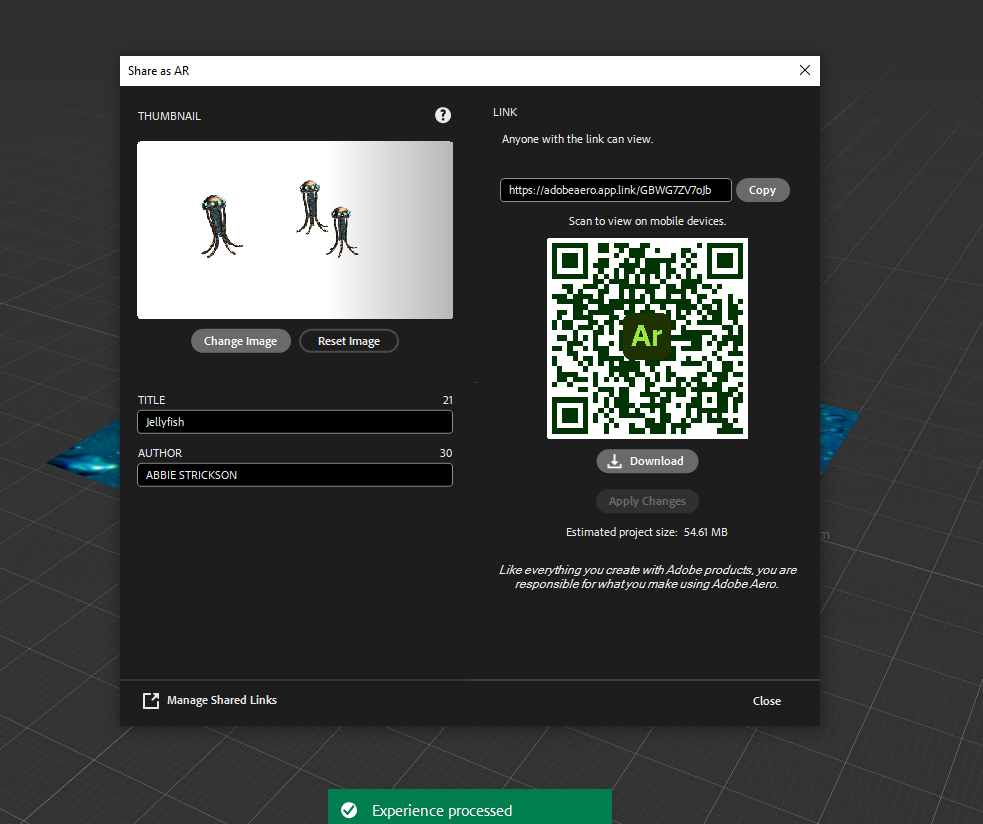
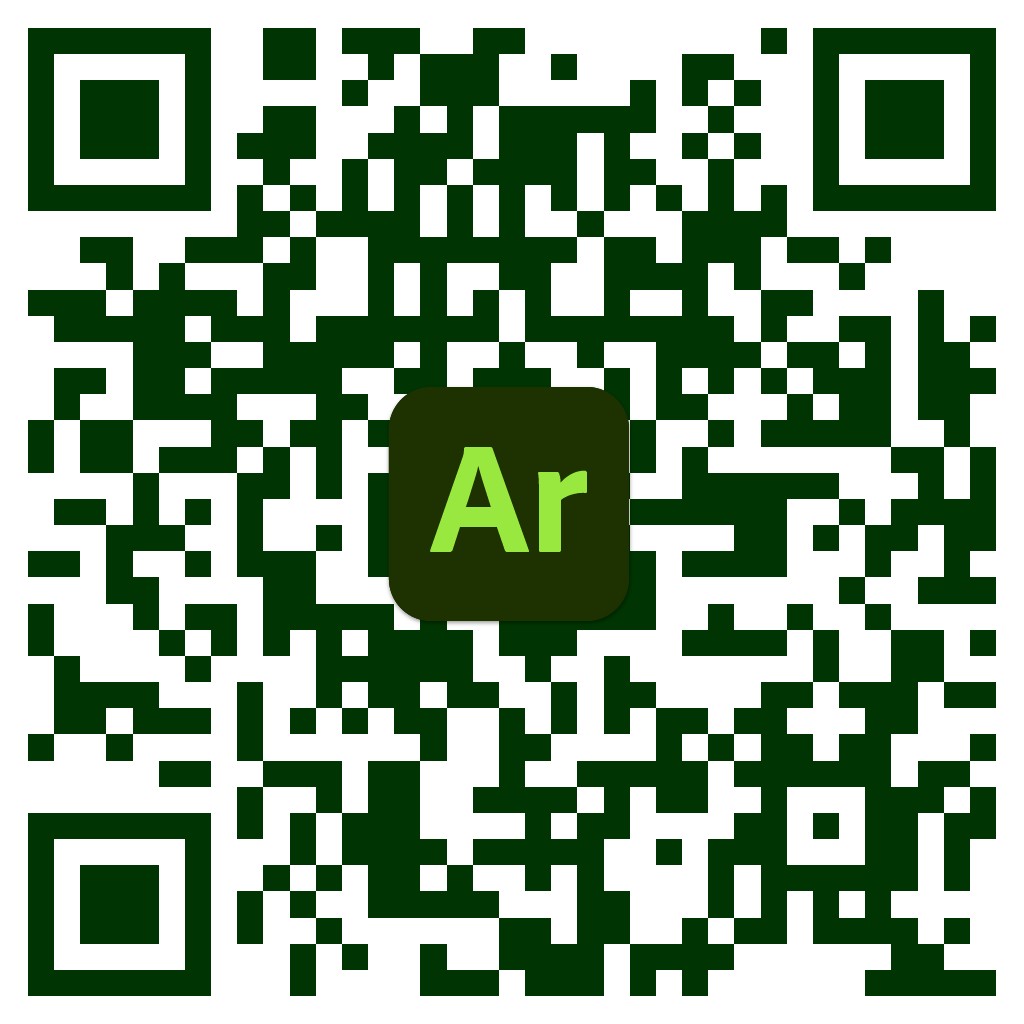
Aero then allowed me to download the QR code for this scene, which can be accessed with the images below.
Further exploration of adobe aero:
Following the jellyfish scene, I experimented with using different assets to create a nature based scene.
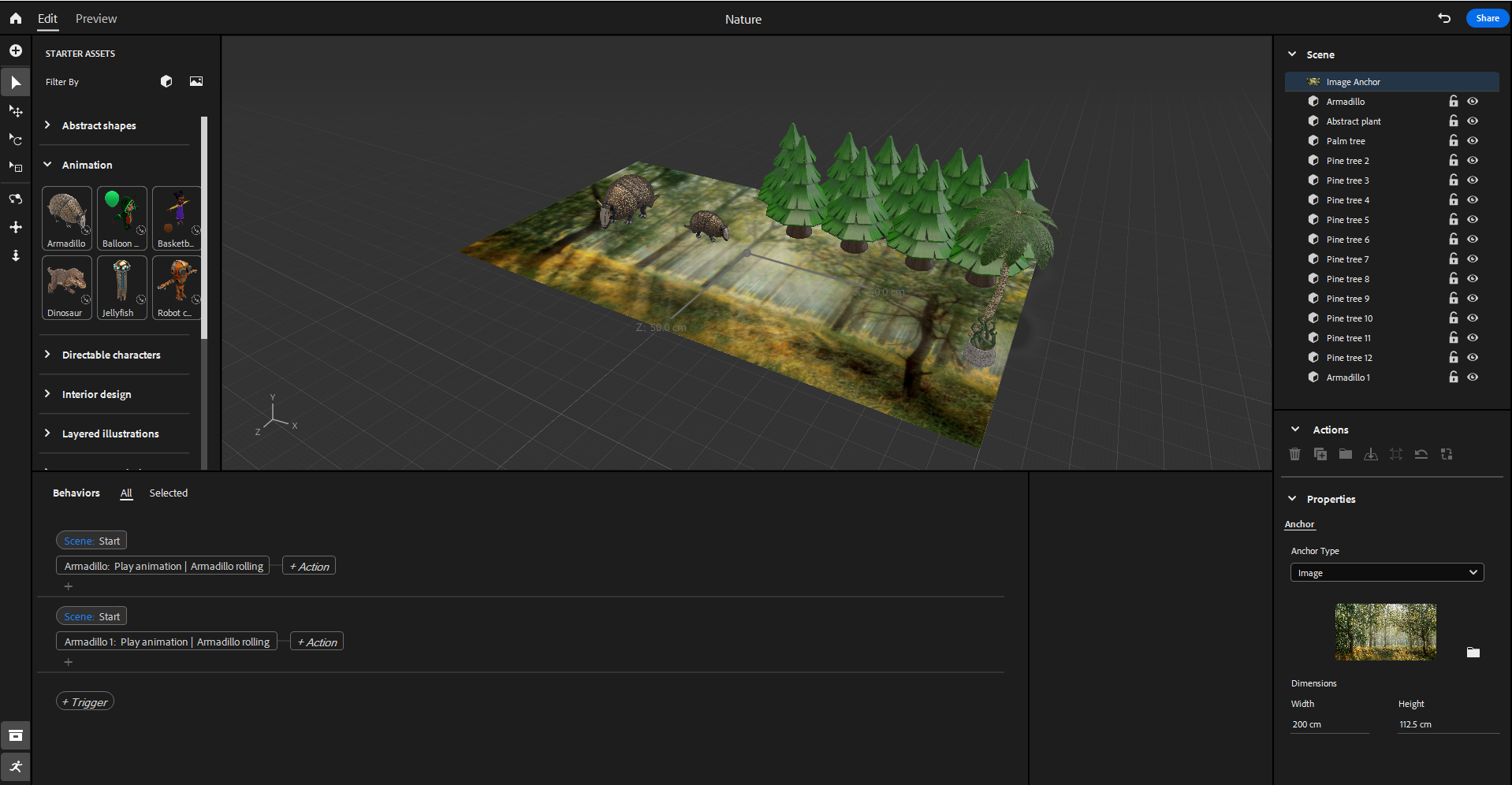
Following this, I added animation to the assets and created a link.
Reflection:
Following this task, I was surprised at how simple it can be to create an augmented reality scene, and in the future I would like to spend time experimenting on creating my own assets and adding audio.
Reference list
Garnier (2019). Virtual Hair Colour Try On | Try On Hair Colour | Garnier. [online] www.garnier.co.uk. Available at: https://www.garnier.co.uk/virtual-try-on.
Pixabay (2024). Pixabay. [online] Pixabay.com. Available at: https://pixabay.com/.