Maya 360 Content
This segment of the module entails gaining a basic understanding of rendering for 360 3D video, through the use of Maya, Premiere Pro and uploading through YouTube.
360 video allows the user to experience an often fictitious environment as if they were actually there, giving the user a truly immersive experience from any location. A more common example of this is Google Street view; users can look to all corners of the world and experience 360 views from home (Google, 2015).
There are two main types of 360 content; monoscopic and stereoscopic (Rowell M., 2019). Monoscopic uses 2D images that are laid next to each other to create a 360 view, whereas stereoscopic uses 3D which gives the view more depth.
For this task I decided to create a simple model of the Humber bridge, focusing on the movement of the waves to bring motion to the piece.
The Humber Bridge, opened by Her Majesty Queen Elizabeth II in 1981 is the longest single-span suspension bridge that can be crossed by foot or by cycle in the world (Humberbridge.co.uk, 2018).
To start I built a simple model of the Humber Bridge.
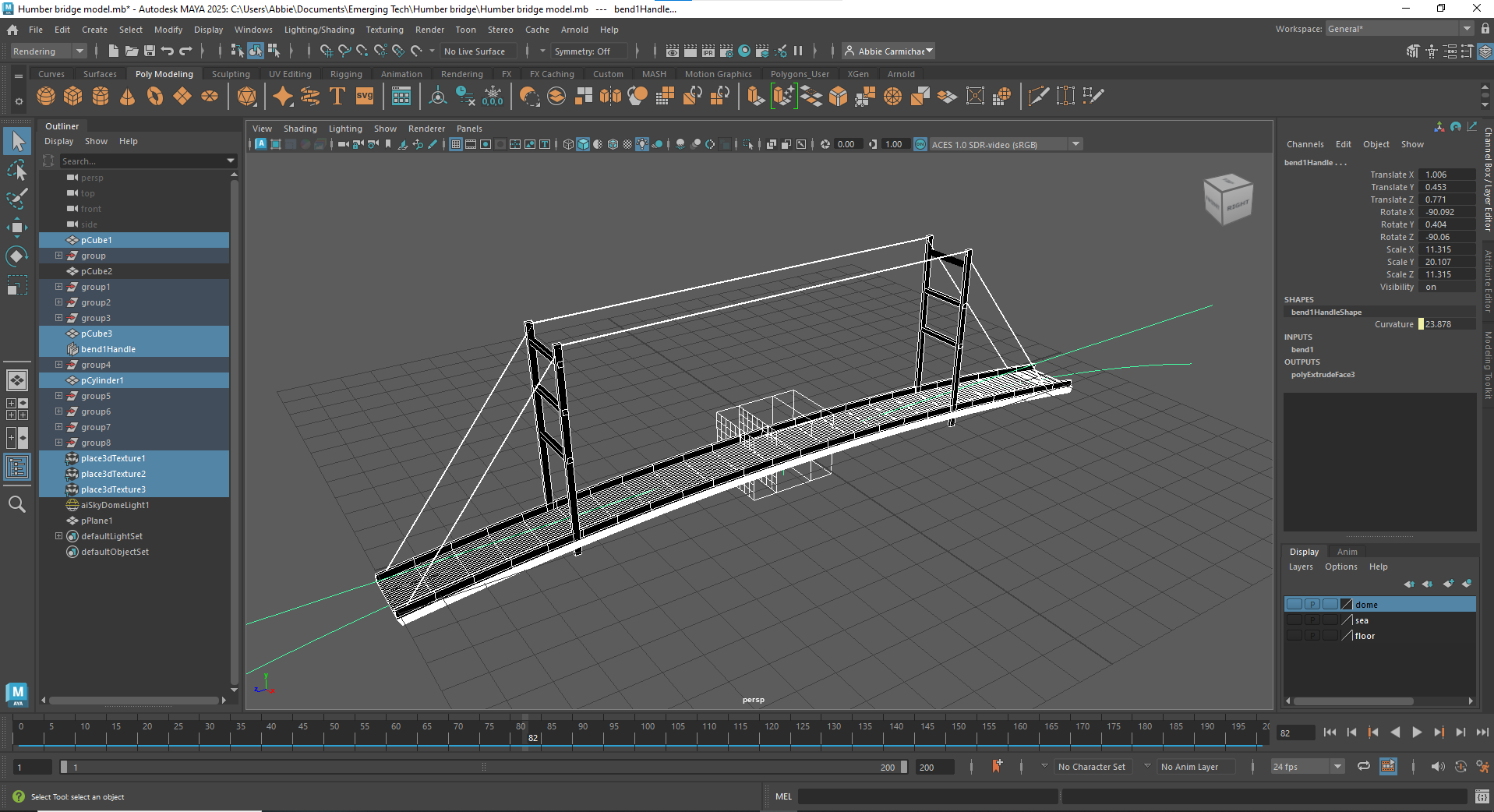
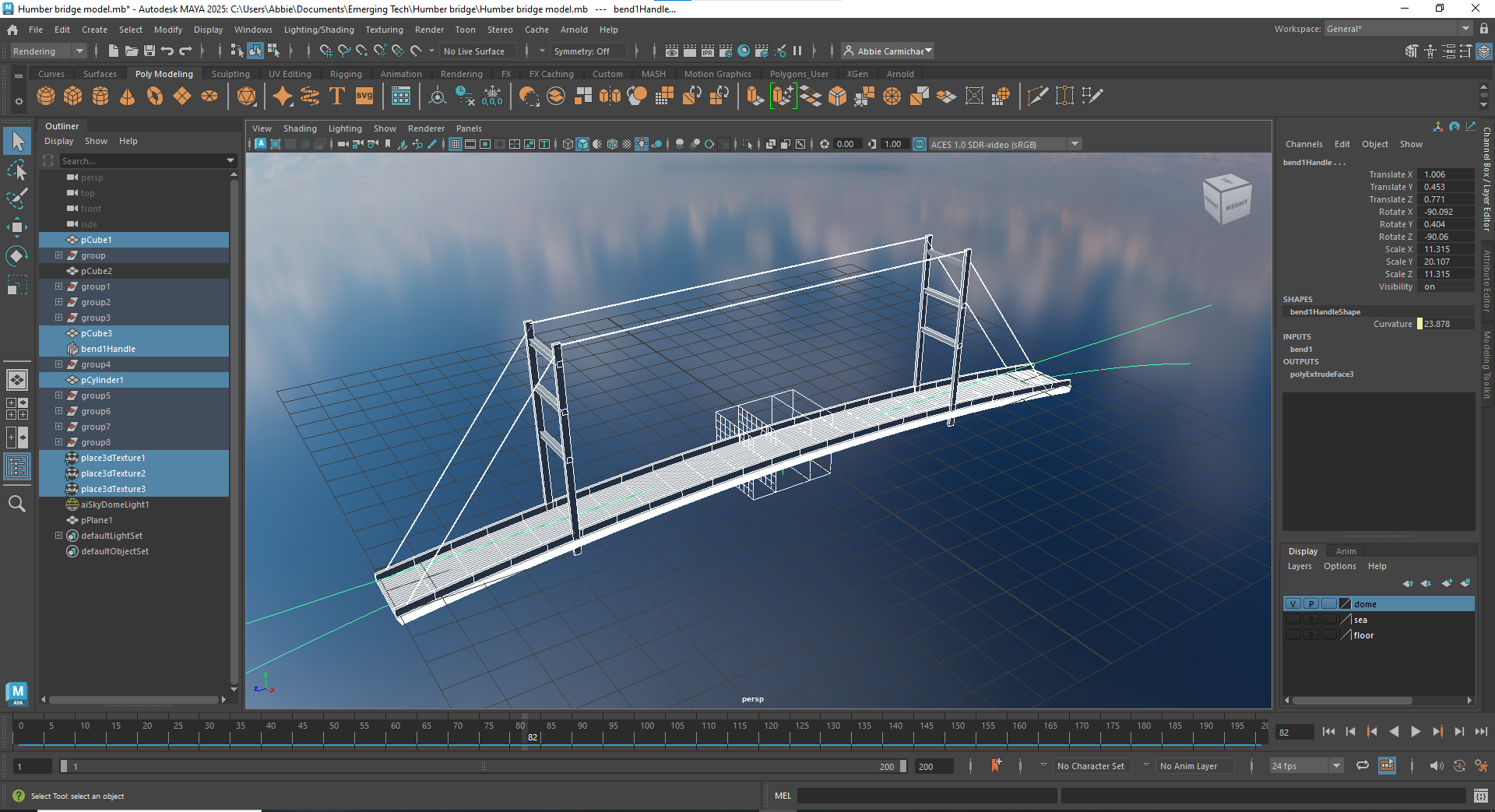
I then added lighting through an Arnold skydome and added a HDRI sky environment.
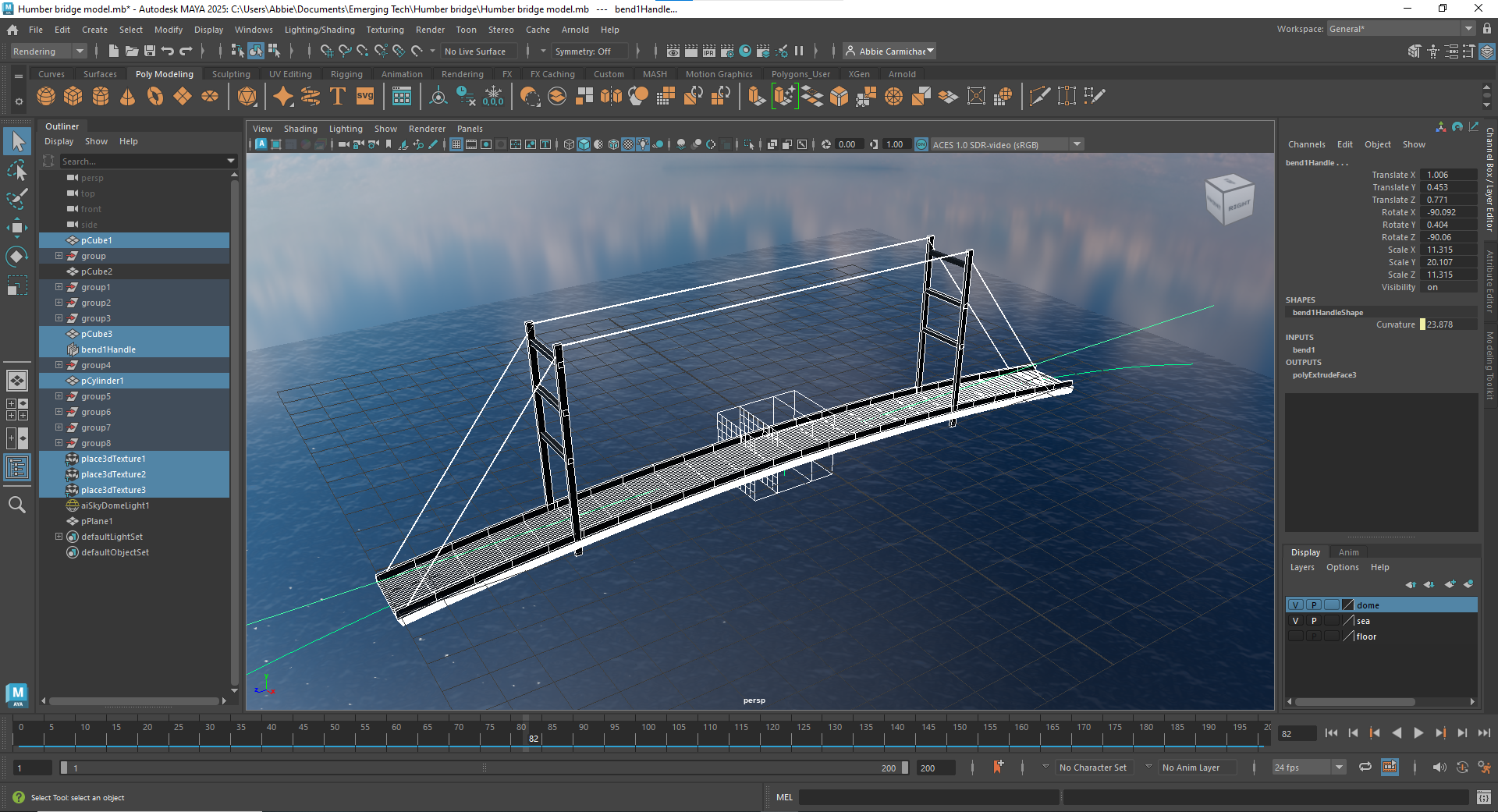
I then added a plane to create the sea and used the noise material to create the movement and look of the sea.
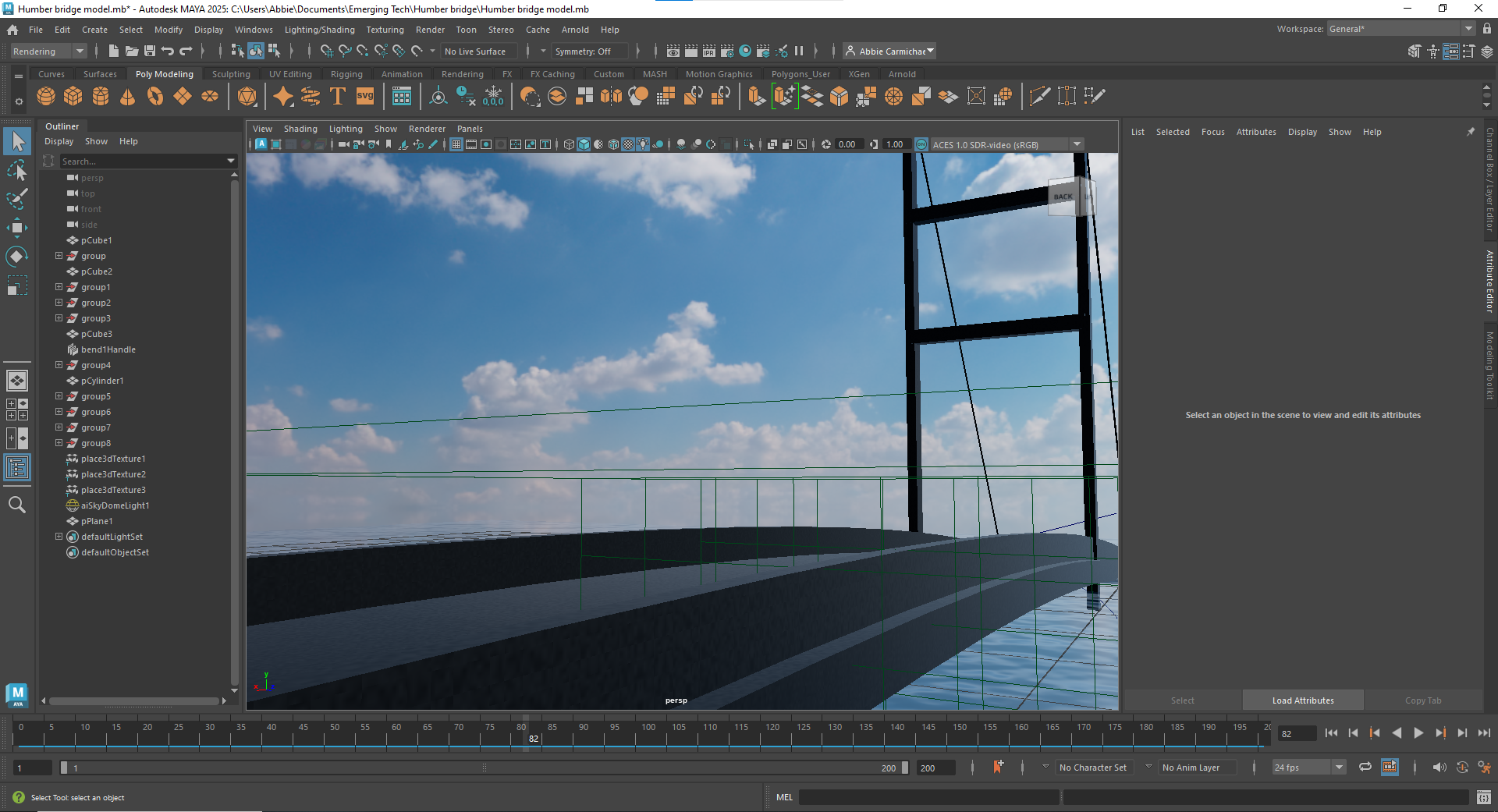
The images were then rendered at a rate of 24fps for 10 seconds (240 frames) and imported to Premiere Pro.
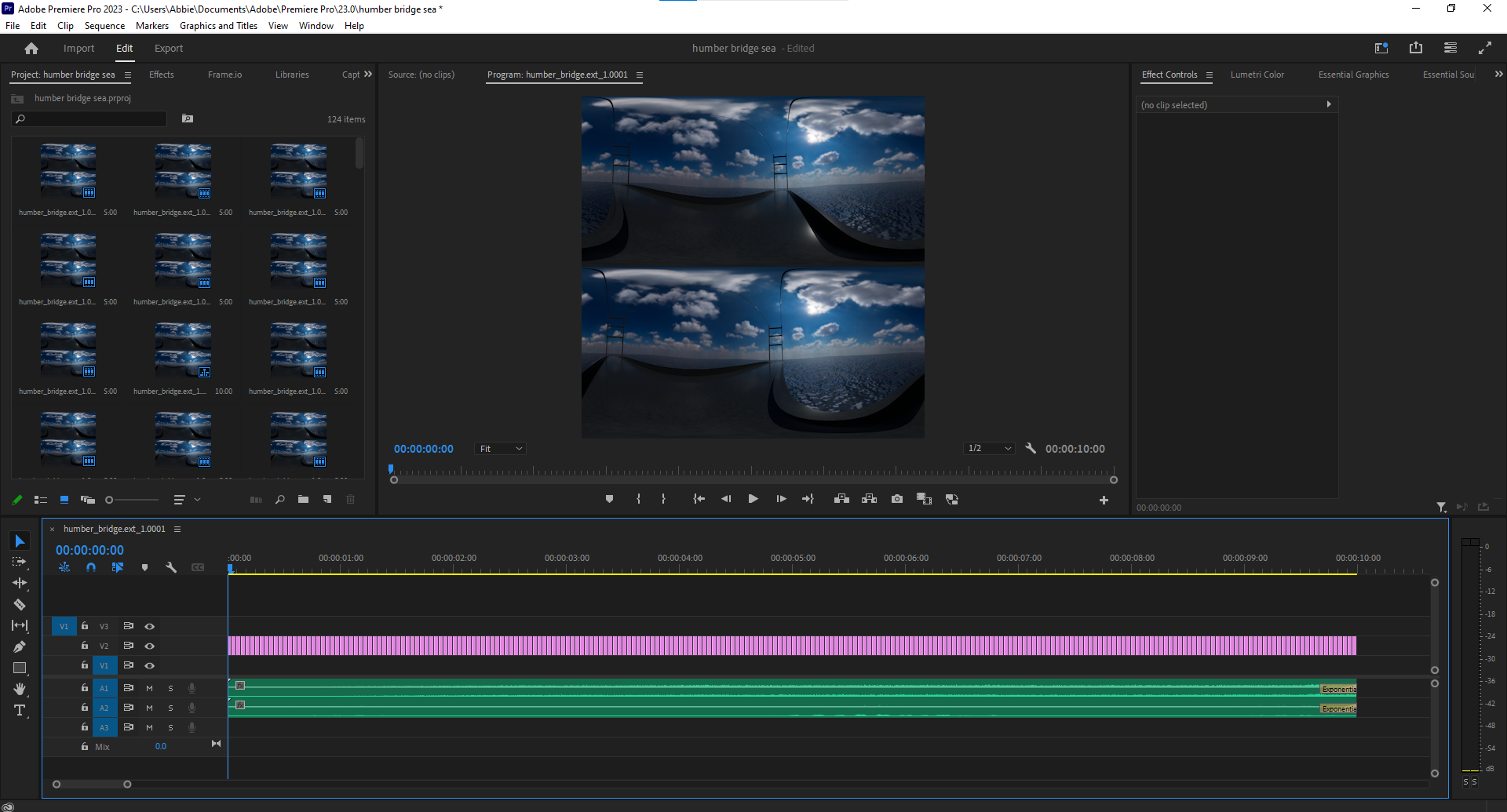
The video was then exported to YouTube in VR format and posted.
Web VR
The next session covered using web VR on a website called Frame. This allows the user to choose a scenery option and customise the content dependants on their wants and needs. For this I experimented with creating a gallery of my graphic design work, with each room showing a year on the degree. As the character moves through the rooms, they will be able to view the progress of work on the Graphic Design degree.
Storyboards and Spheres
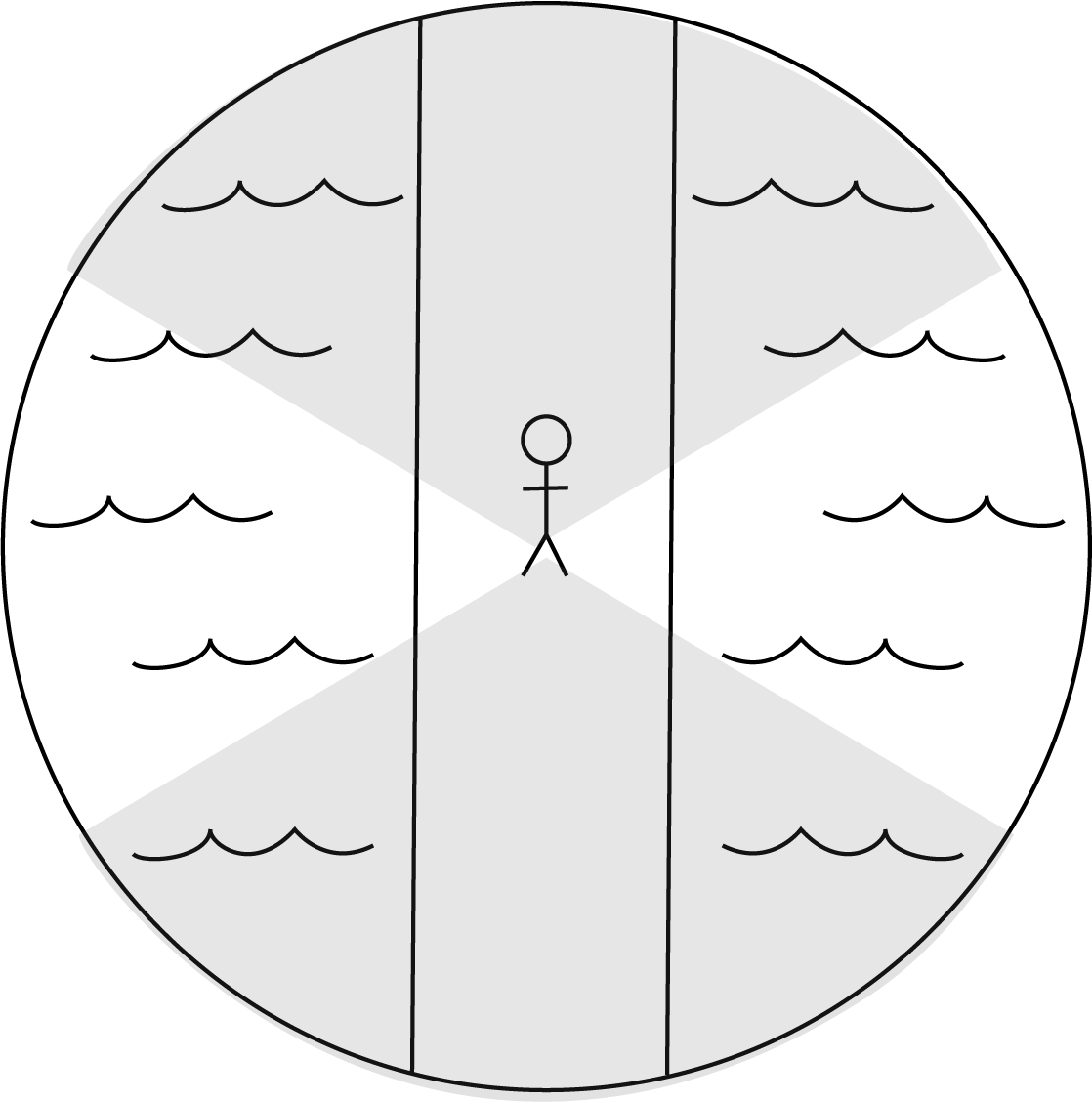
Unlike traditional animation and video, spheres are often used to storyboard ideas for 360 video and virtual reality. This method allows the user to be placed in the centre and all the surroundings can be planned in terms of story and movement (enetreality.com, 2024).
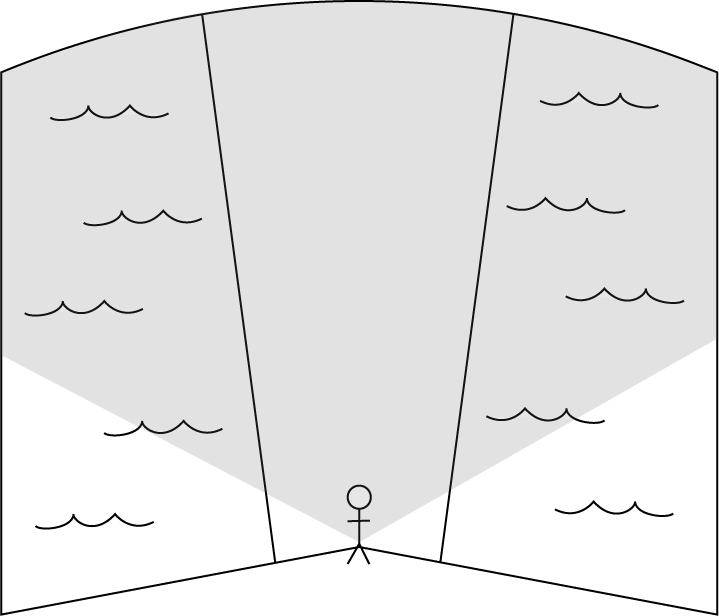
Another method often used is a curved rectangle with the user in the bottom centre. This is used as the area the user is likely most interested in is usually right in front of them; this method allows planning of what is directly in front of the user and to the left and right, allowing for the maximum natural head turn (Kampparri-Miller S, 2018). This isn’t to say that the area behind the user is disregarded during creation, it just allows focus on the area of interest in terms of planning.
MASH in Maya
The next topic covered in class was how to use mash in Maya to create motion graphics. This session encouraged experimentation and allowed for us to choose what we wanted to generate through mash, and I decided to attempt using motion graphics in mash to provide visual effects for audio.
After viewing the tutorials on canvas for this session, I created a video that uses motion graphics linked to audio to create a visual for music obtained through Pixabay.
Reference list
Humberbridge.co.uk. (2018). Humber Bridge. [online] Available at: https://www.humberbridge.co.uk/.
Rowell, M. (2019). VR Video Formats Explained. [online] 360 Labs. Available at: https://360labs.net/blog/vr-video-formats-explained.