For this task we were exploring web servers, control panels, HTML, CSS and scripts.
The inital part of the task was done individually. We were tasked by Jason to explore cPanel and create a FTP account and connect using FileZilla. Once this was completed, we went ahead and got into our groups of three.
Once in the group, we quickly realised that none of us had any experience with website building, so this was going to difficult. For the first part of the task we were given a log in for cPanel and asked to open it up to get started. cPanel is a web based server, that can be used for things such as, website set up, file storage and management, it can provide tools to protect websites, such as setting up SSL certificates, and can also store databases (if this is something required for the website) (cPanel, n.d.).
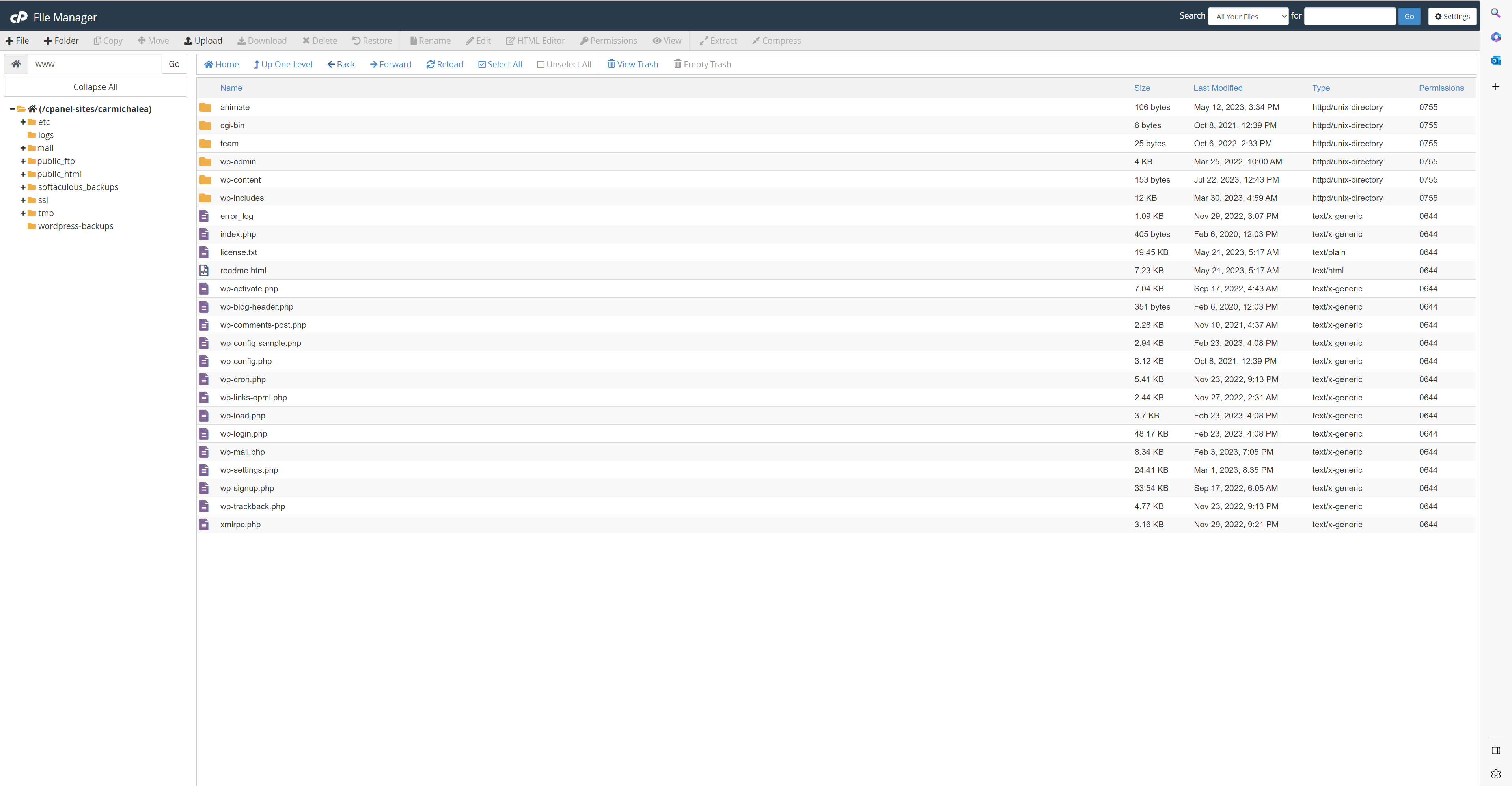
Next we were asked to create an FTP (File transfer protocol) account, connect to FileZilla and create a subfolder called team.
FileZilla is a third party FTP client, that allows the transfer of files from one host to another (in this case from the local PC to cPanel) (FileZilla-project.org, 2019). Although file transfer can be done through cPanel itself, using an FTP can make the process much simpler (Such as, by using frag and drop to move files) and reviews of cPanel show that it can sometimes struggle with moving larger files without an FTP.
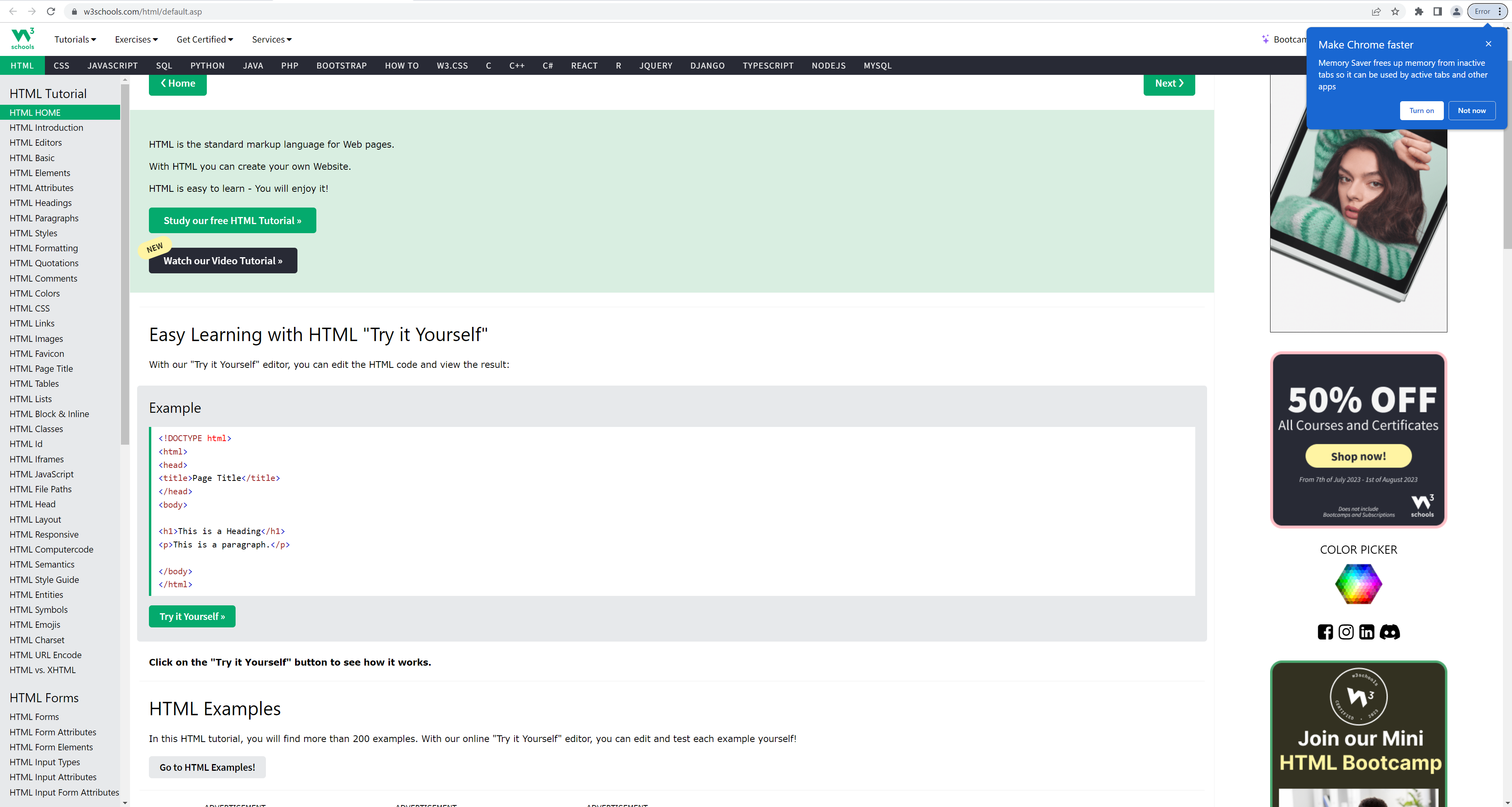
Following this, we were asked to visit w3schools to look at how to add content to a HTML and CSS page. In simple terms, the HTML is the content for the website and CSS is the style (asweeney369a, 2023).
W3schools is an interactive website that allows you to practice using code as you learn, offering ‘try it yourself’ options to provide an interactive learning experience (w3schools, 2022).
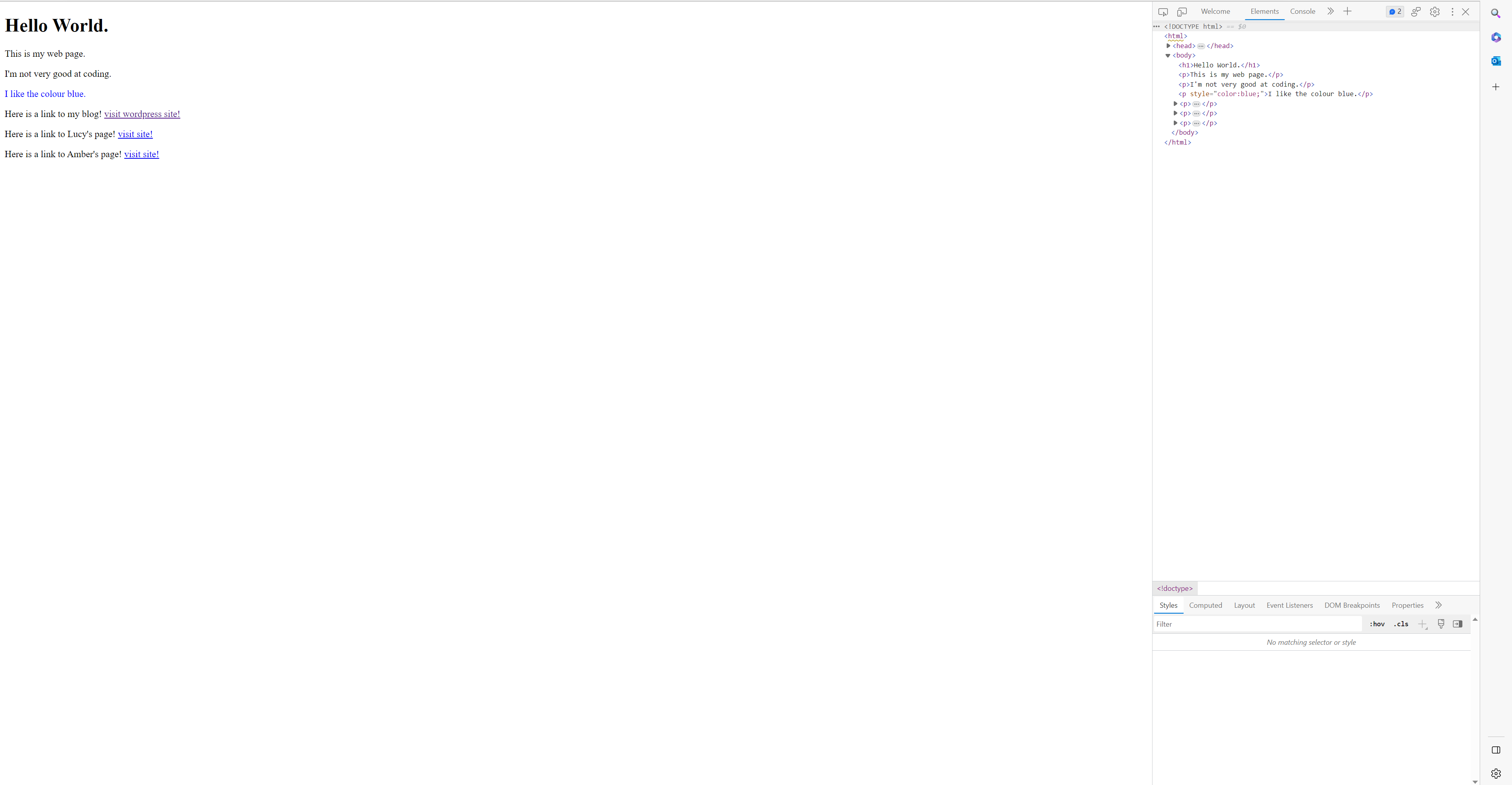
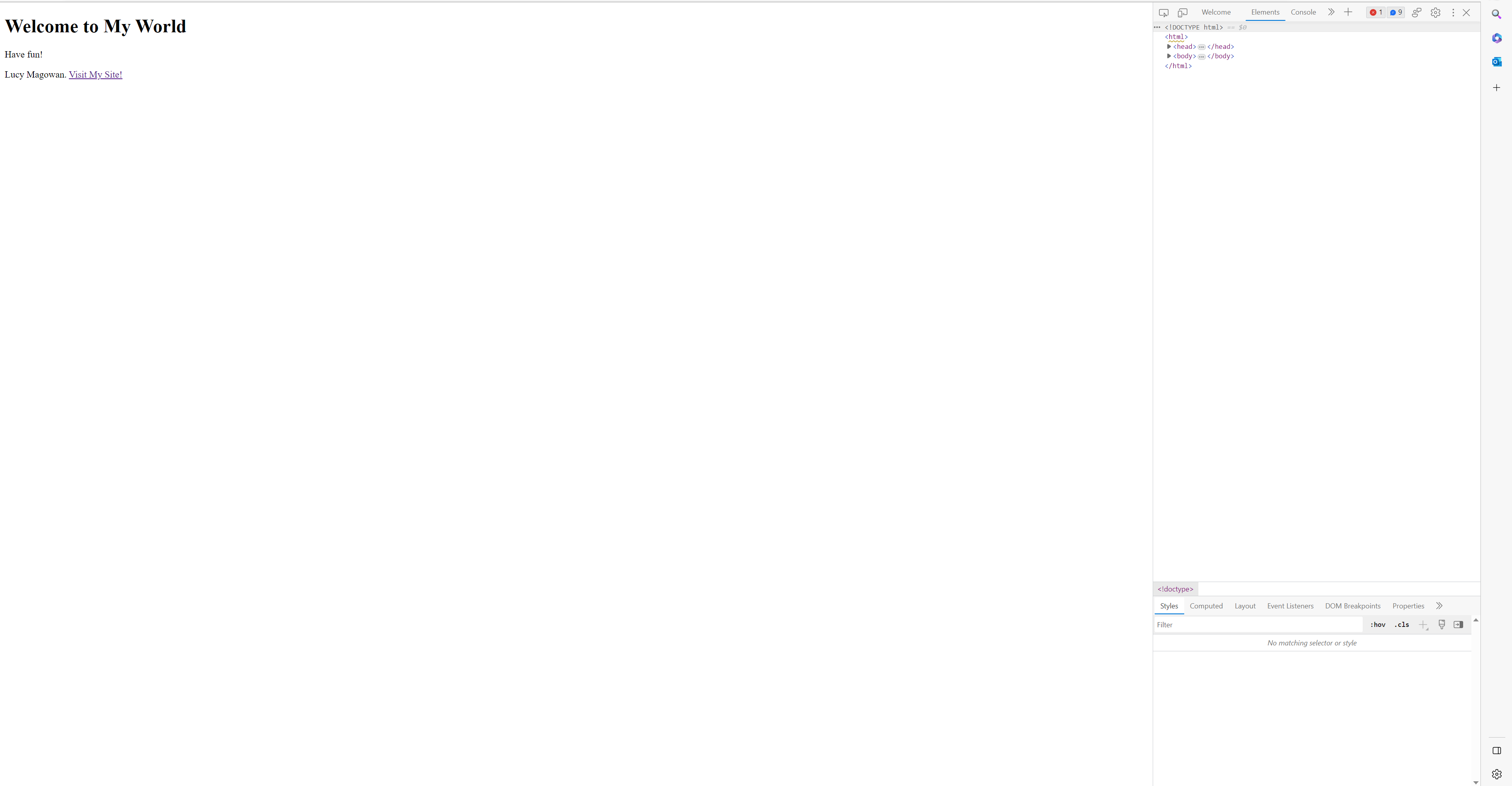
Following practice with this I created a webpage with very basic information, using 2 different colour, with links to my teams’ pages.
Reference list
asweeney369a (2023). The Must Read HTML vs CSS Infographic | Coding Dojo Blog. [online] Coding Dojo. Available at: https://www.codingdojo.com/blog/html-vs-css-inforgraphic#:~:text=So%2C%20what%20is%20the%20difference.
cPanel. (n.d.). Hosting Platform of Choice. [online] Available at: https://cpanel.net/.
Filezilla-project.org. (2019). FileZilla – The free FTP solution. [online] Available at: https://filezilla-project.org/.
W3Schools (2022). HTML Tutorial. [online] W3schools.com. Available at: https://www.w3schools.com/html/default.asp.