Following on from the previous task when we looked at HTML and CSS for a simple web page with a link, we then moved onto using HTML and CSS within Elementor to create interactive elements within Elementor.
Task 1:
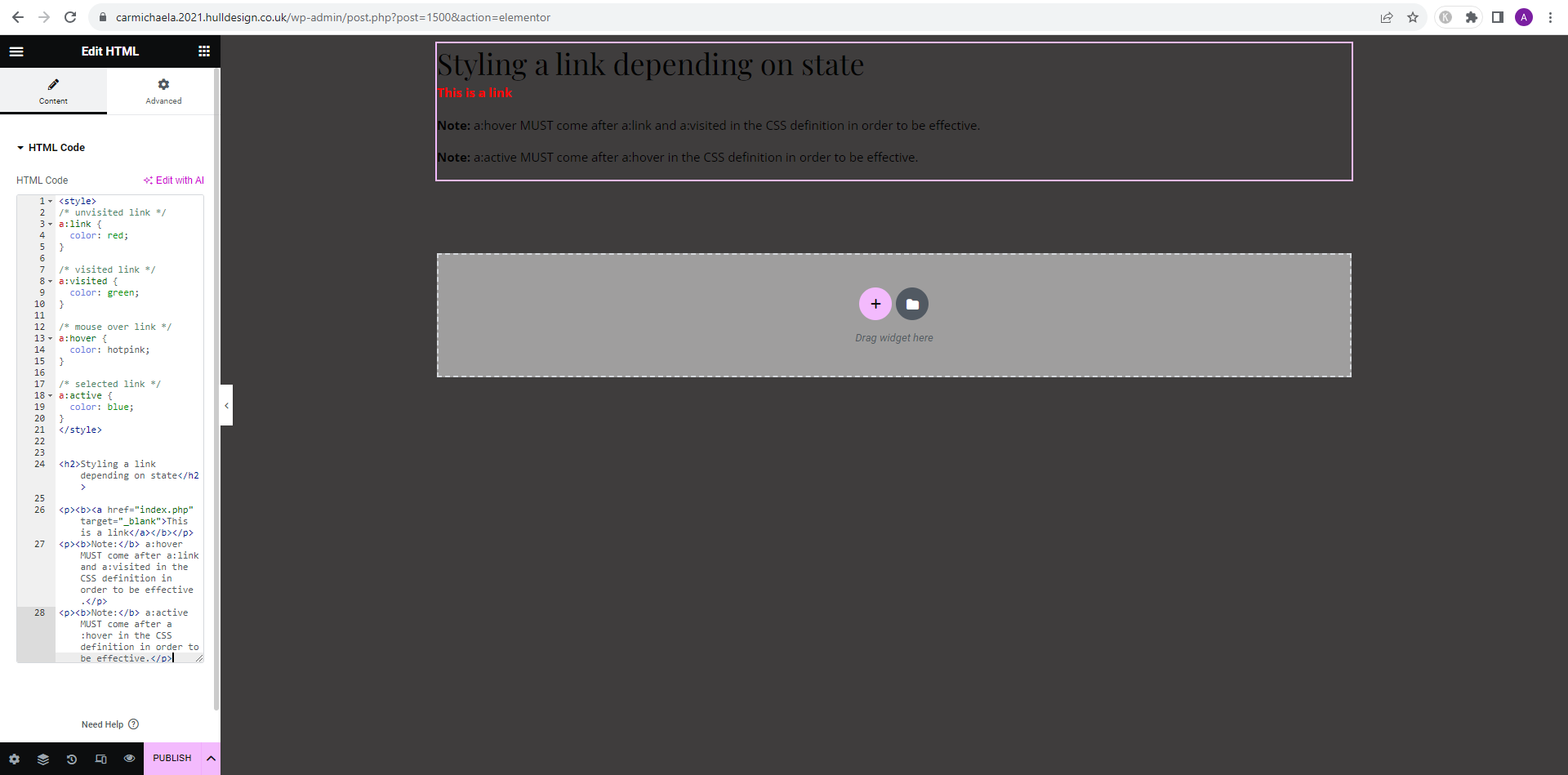
1) Add the HTML widget into your page (Within the general section)
2) Paste the following code…
<style>
/* unvisited link */
a:link {
color: red;
}
/* visited link */
a:visited {
color: green;
}
/* mouse over link */
a:hover {
color: hotpink;
}
/* selected link */
a:active {
color: blue;
}
</style>
<h2>Styling a link depending on state</h2>
<p><b><a href=”index.php” target=”_blank”>This is a link</a></b></p>
<p><b>Note:</b> a:hover MUST come after a:link and a:visited in the CSS definition in order to be effective.</p>
<p><b>Note:</b> a:active MUST come after a:hover in the CSS definition in order to be effective.</p>
3) Visit the page and see the results.
By following the above steps I got the following results:
Task 2:
Second Exercise
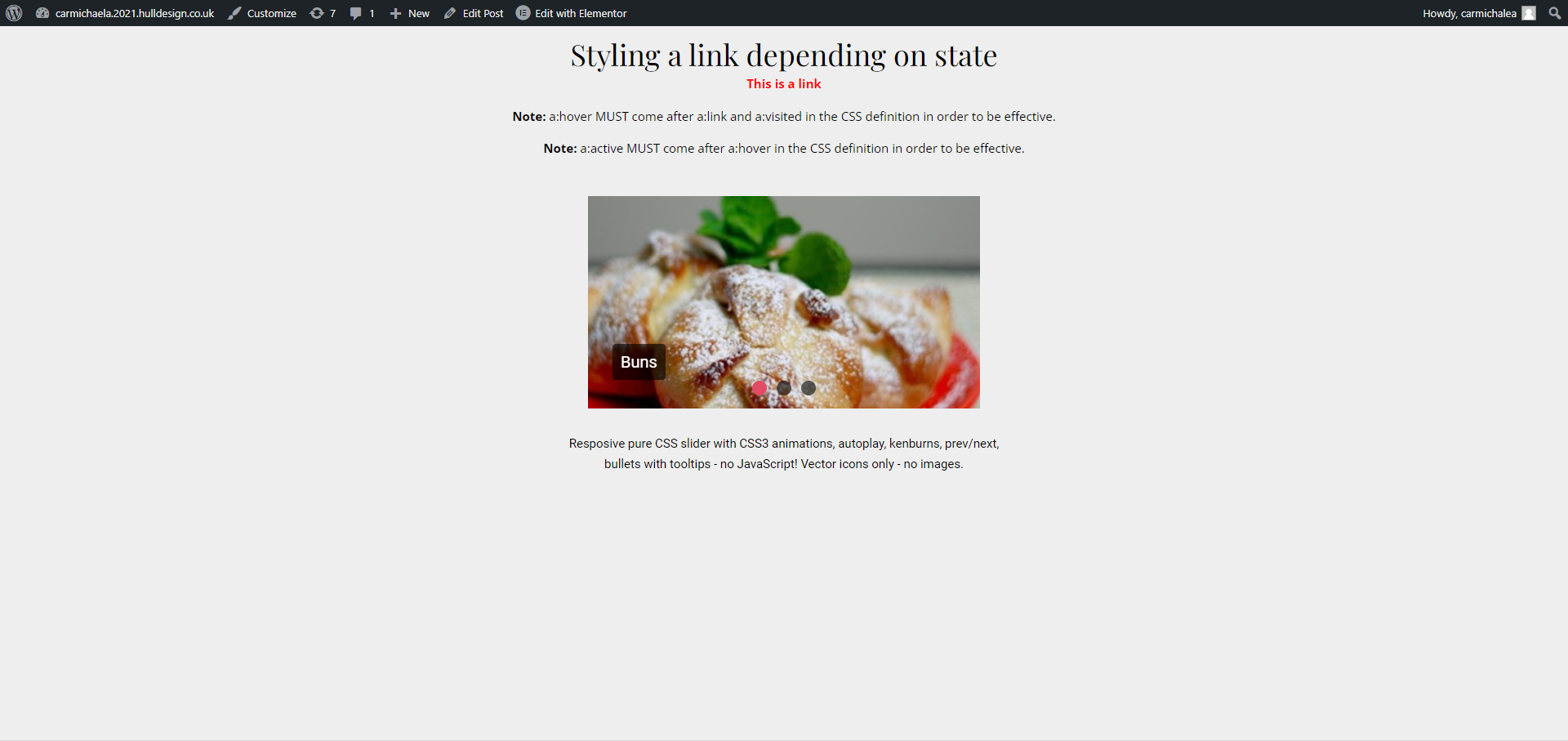
In this exercise we will create a image slider that also makes use of CSS animations to move the image between transitions.
1) Create another HTML widget on your page.
2) Visit the CSS Slider pageLinks to an external site..
3) Open BBEDIT
4) Create a <style> tag.
5) Paste the CSS from codepen site.
6) Add a </style>
7) Paste the HTML from codepen below.
8) Now select all the contents of your text file and paste into the HTML widget window.
9) Test the results.
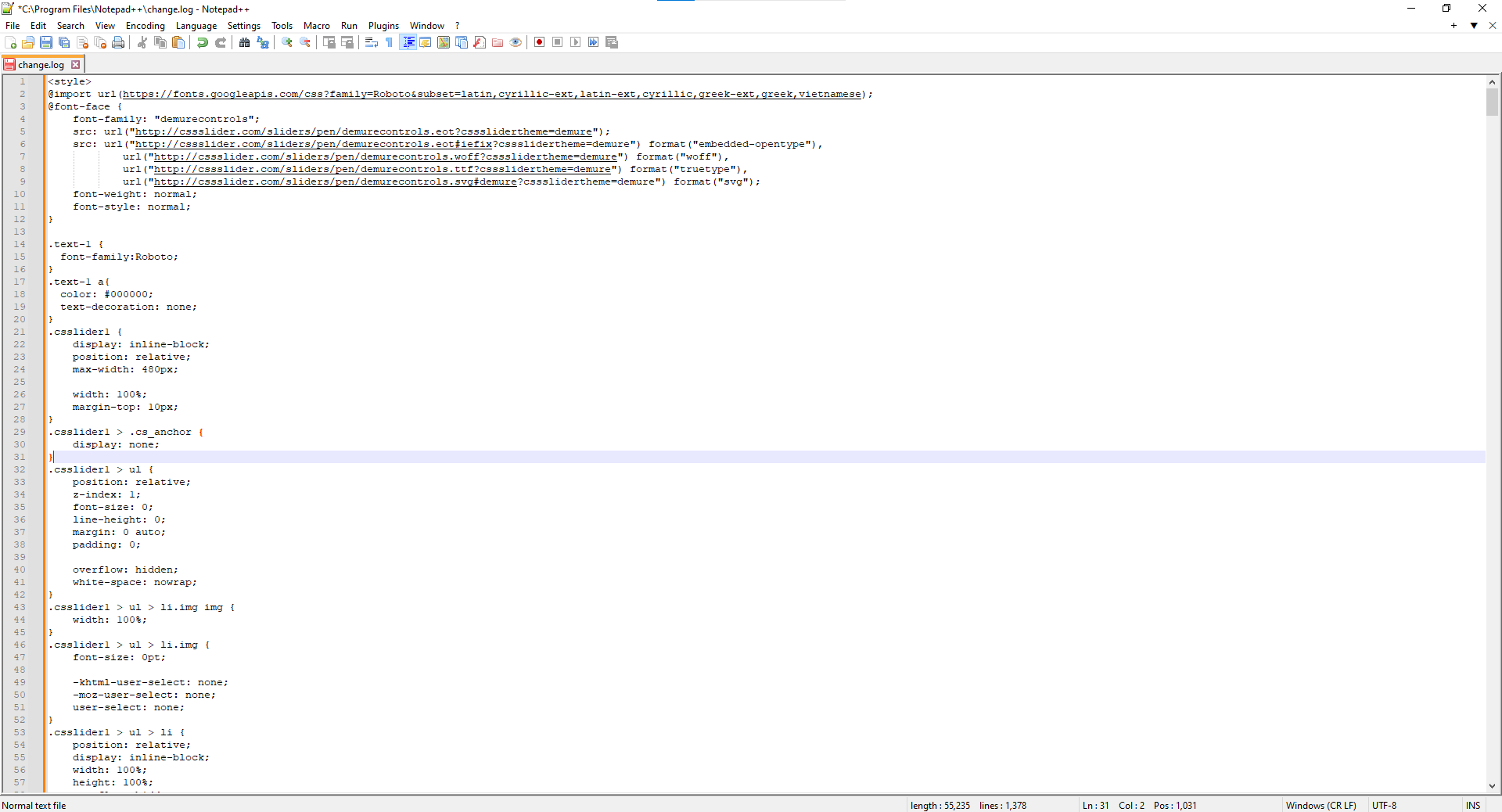
Originally for this task, the instructions stated to use BBEDIT which is a tool to assist in writing or editing code. Because I do not have access to an Apple Mac, I used an alternative for Windows; Notepad ++.
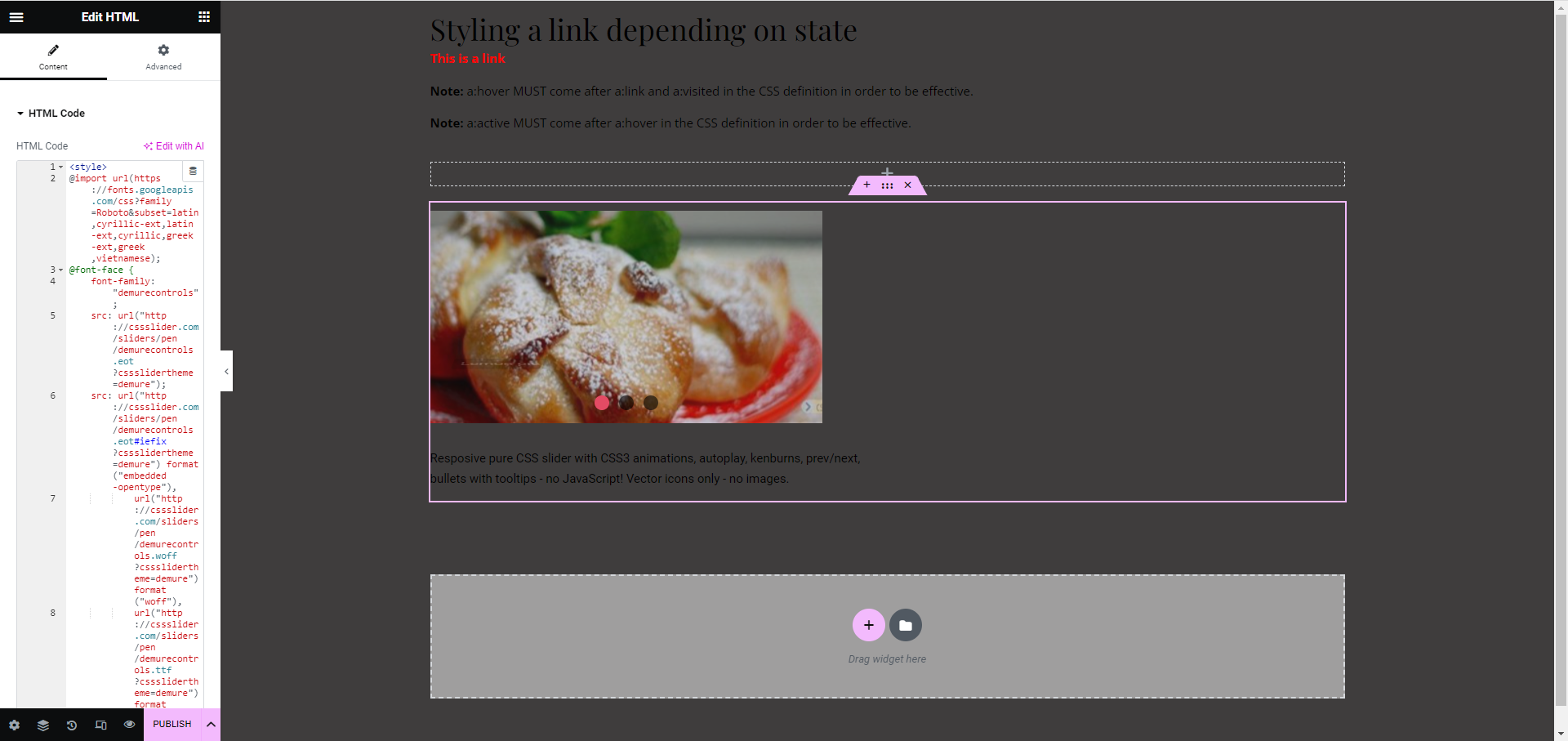
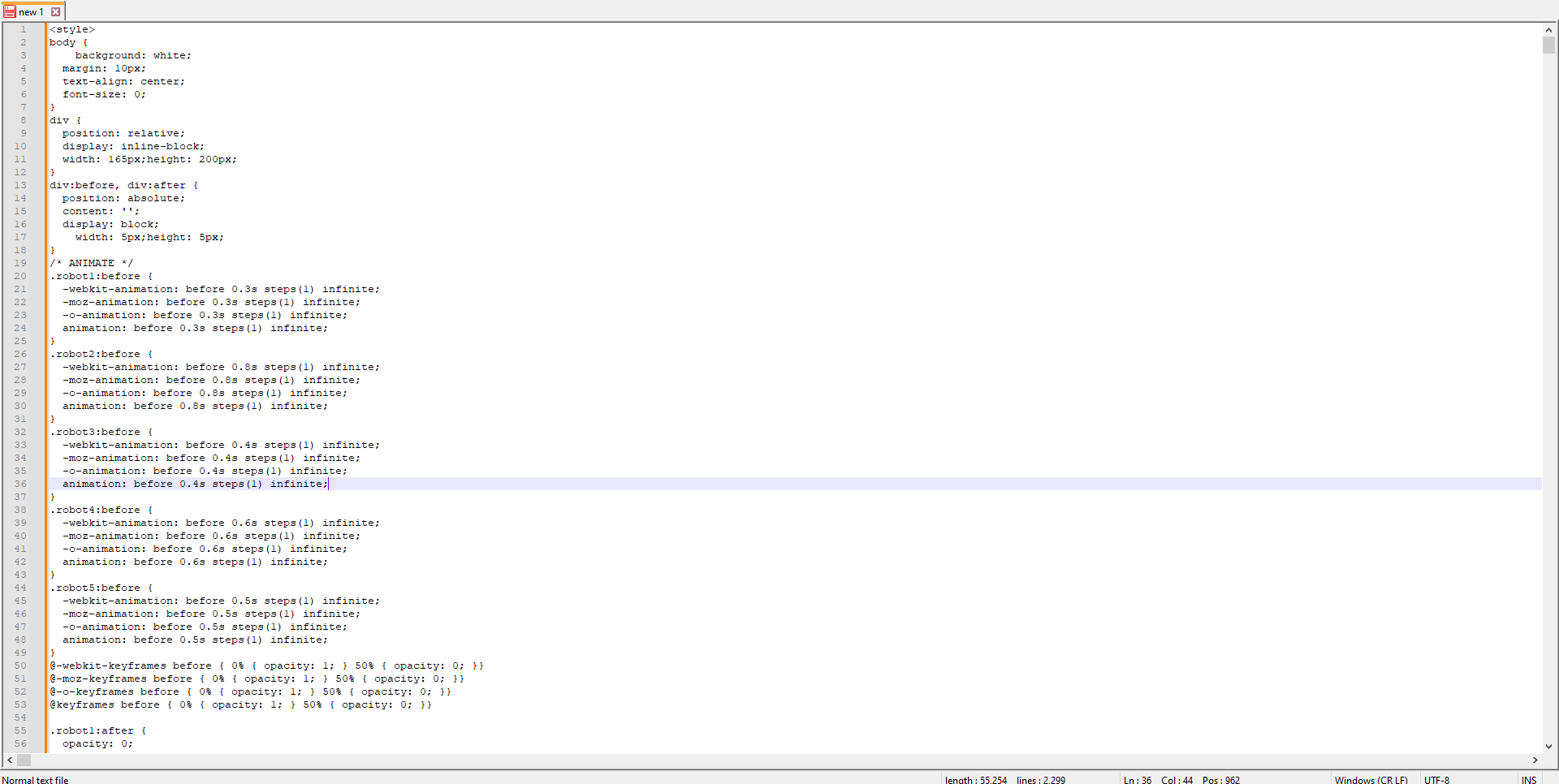
Once I’d combined both the HTML and CSS in Notepad ++ with the <style> and </style> tags, I then added it to the Elementor page.
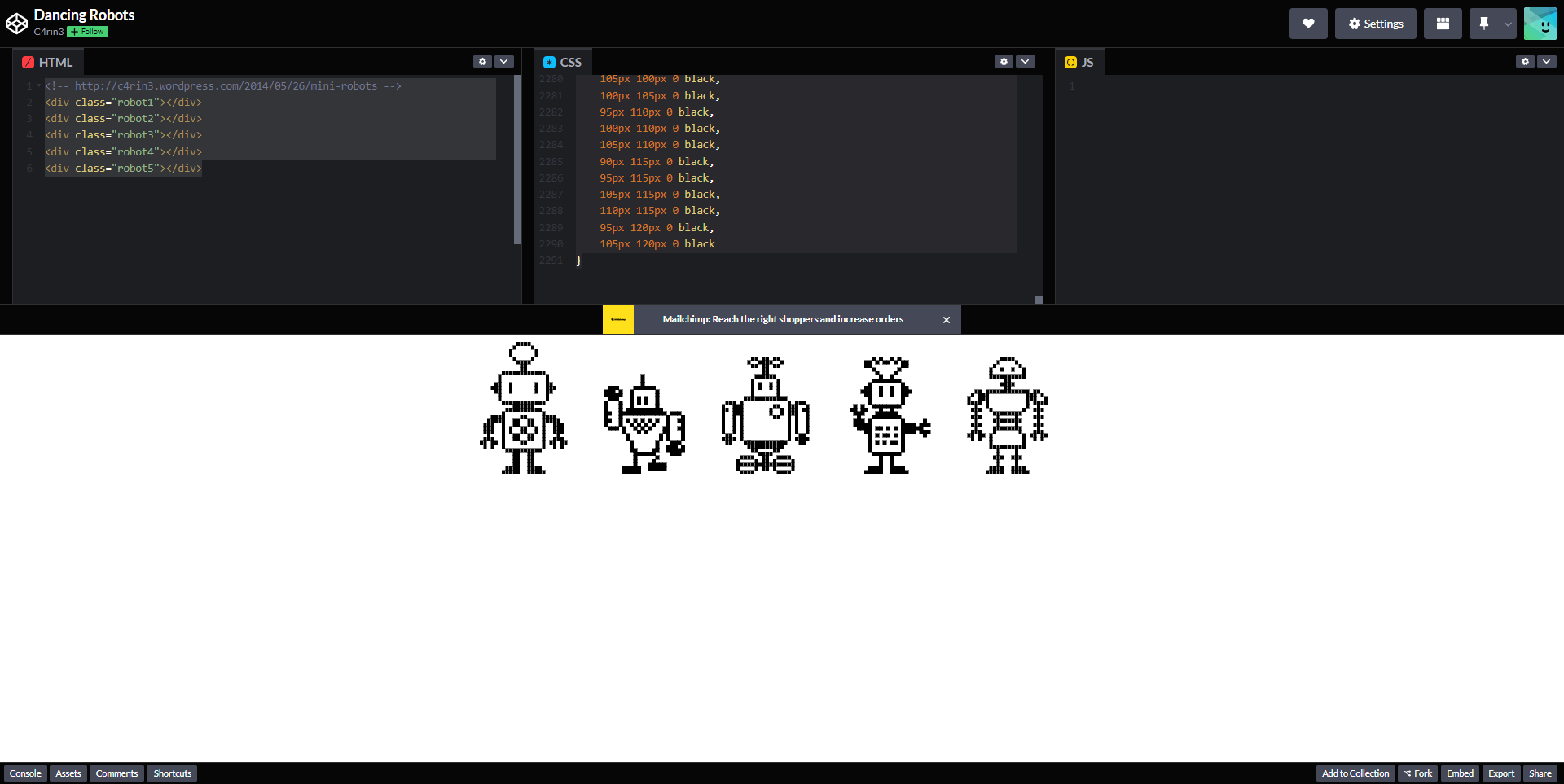
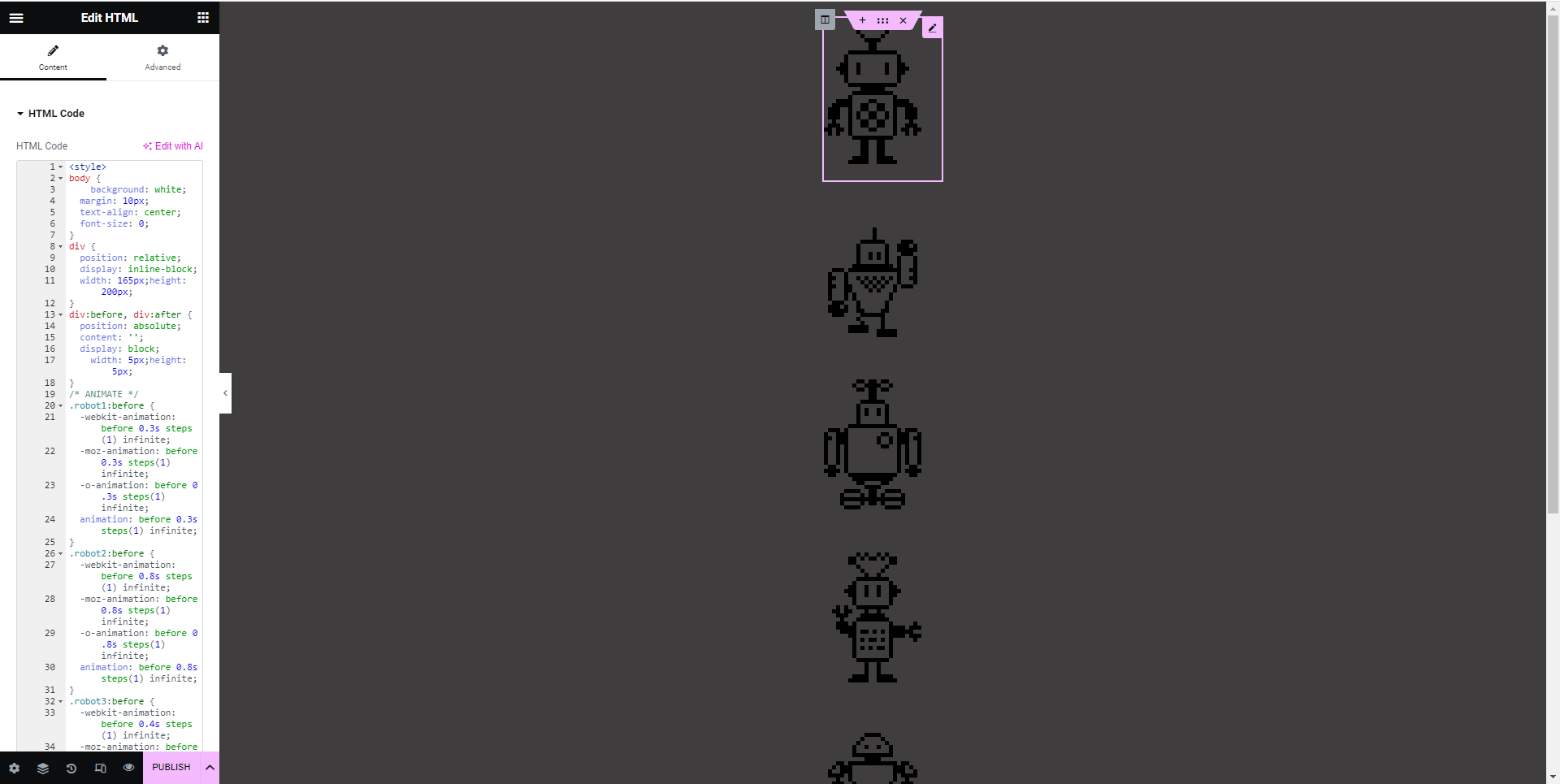
Following this task, we were told to look at Code Pen (CodePen, n.d.) and try out other code within Elementor. From looking at the site, I decided to try and insert dancing robots into my Elementor site.
Task 3:
Spend some time visiting Google Chrome Experiments.
Choose at least 5 that you like and write a blog post how you could potentially use the template within a website design.
Google Chrome experiments is a website that showcases coders’ top projects using Chrome, Android, AI and more (Experiments with Google, 2009). For this task I decided to look at experiments that would have the purpose of entertaining the user on a website. In particular, I looked for light hearted experiments that the sole purpose is to entertain.
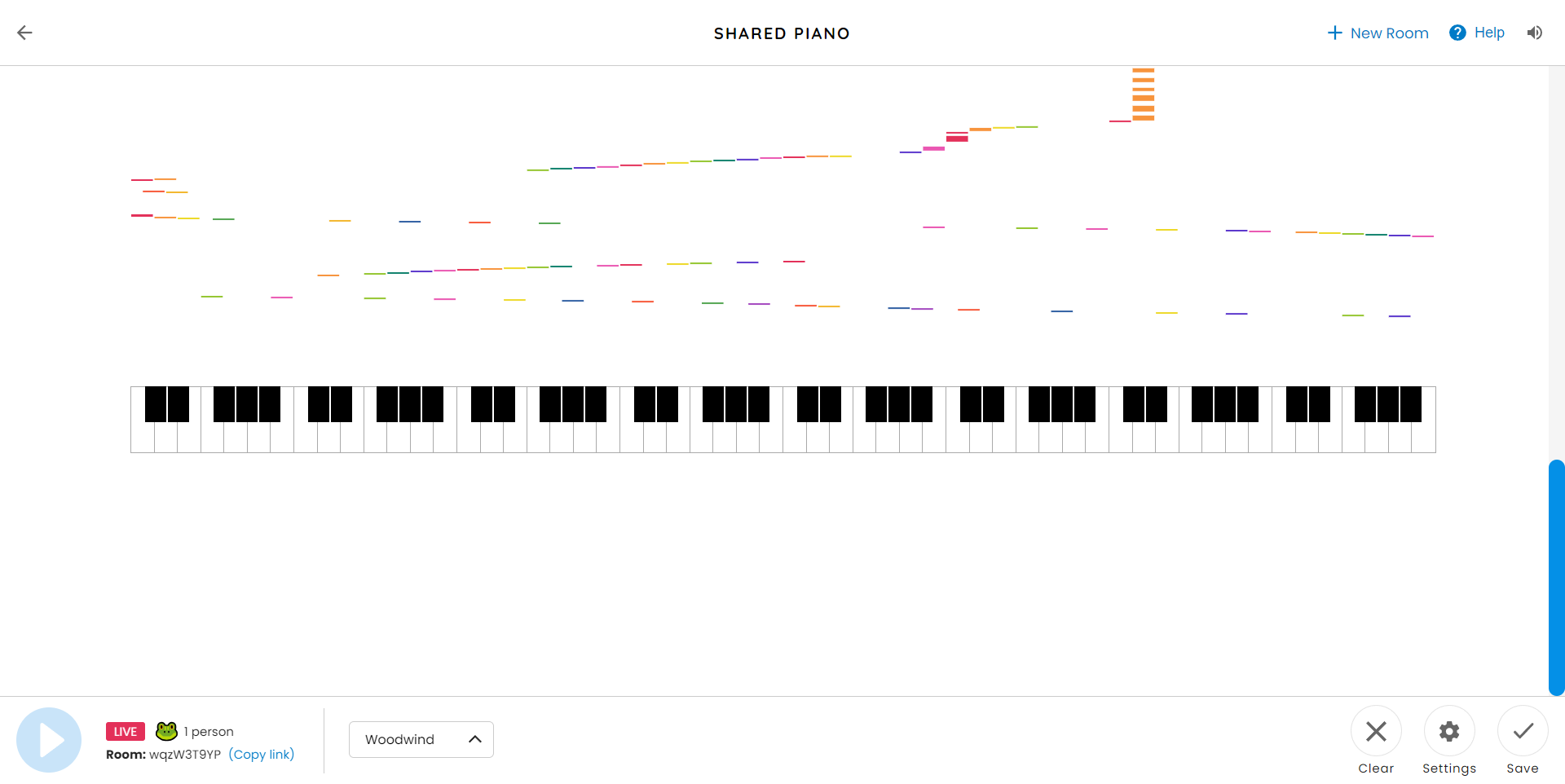
The first I found was shared piano (musiclab.sharedexperiements.com, n.d.). Shared piano allows several users onto one interface at once to create music with several different instruments. They simply share a link to each other and can access the room as different characters to create music.
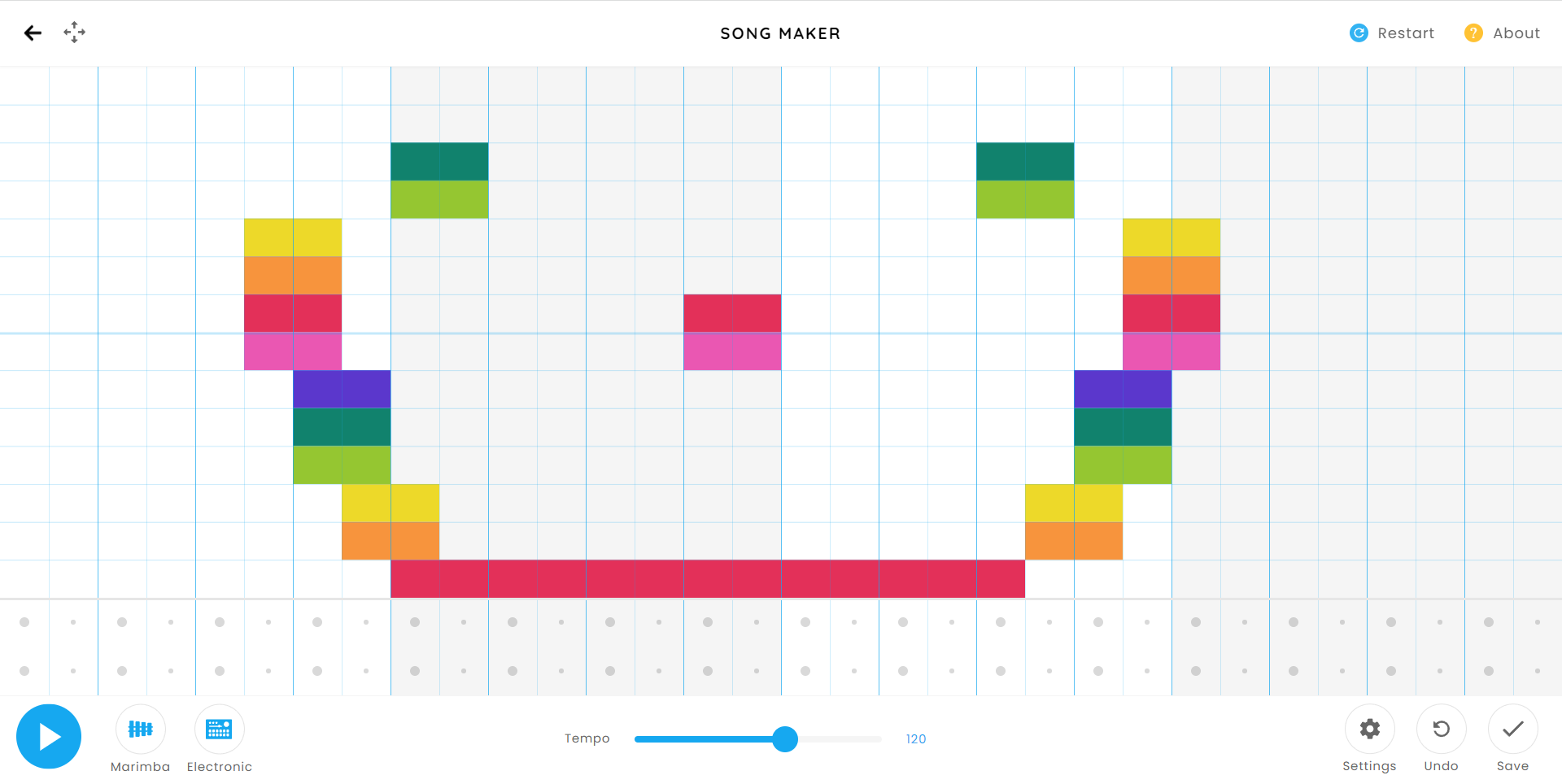
The second experiment was similar, but instead of being able to share with friends, ‘song maker’ (Googlechromeexperiments.com, 2019) allows the user to create and record songs individually.
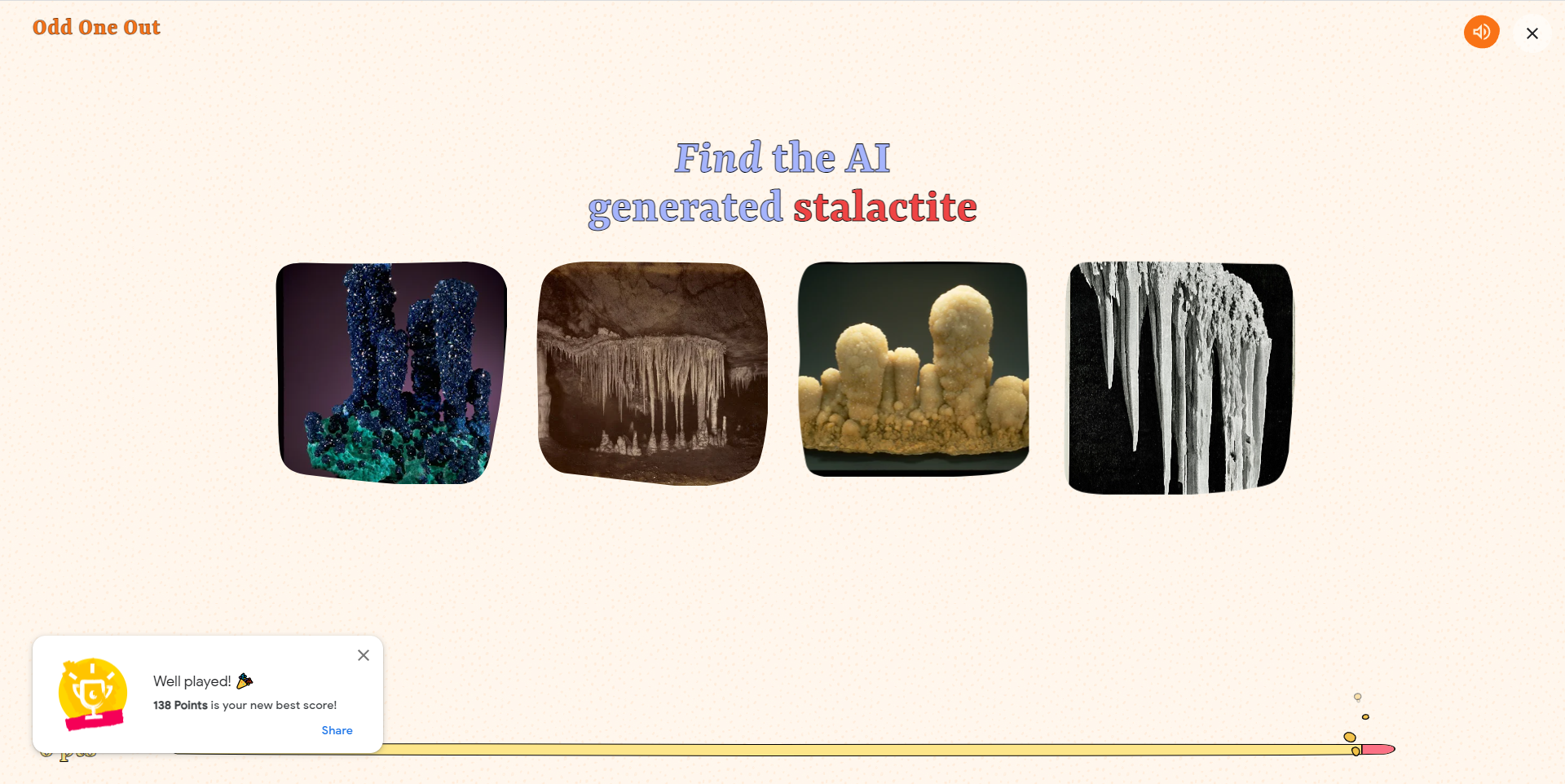
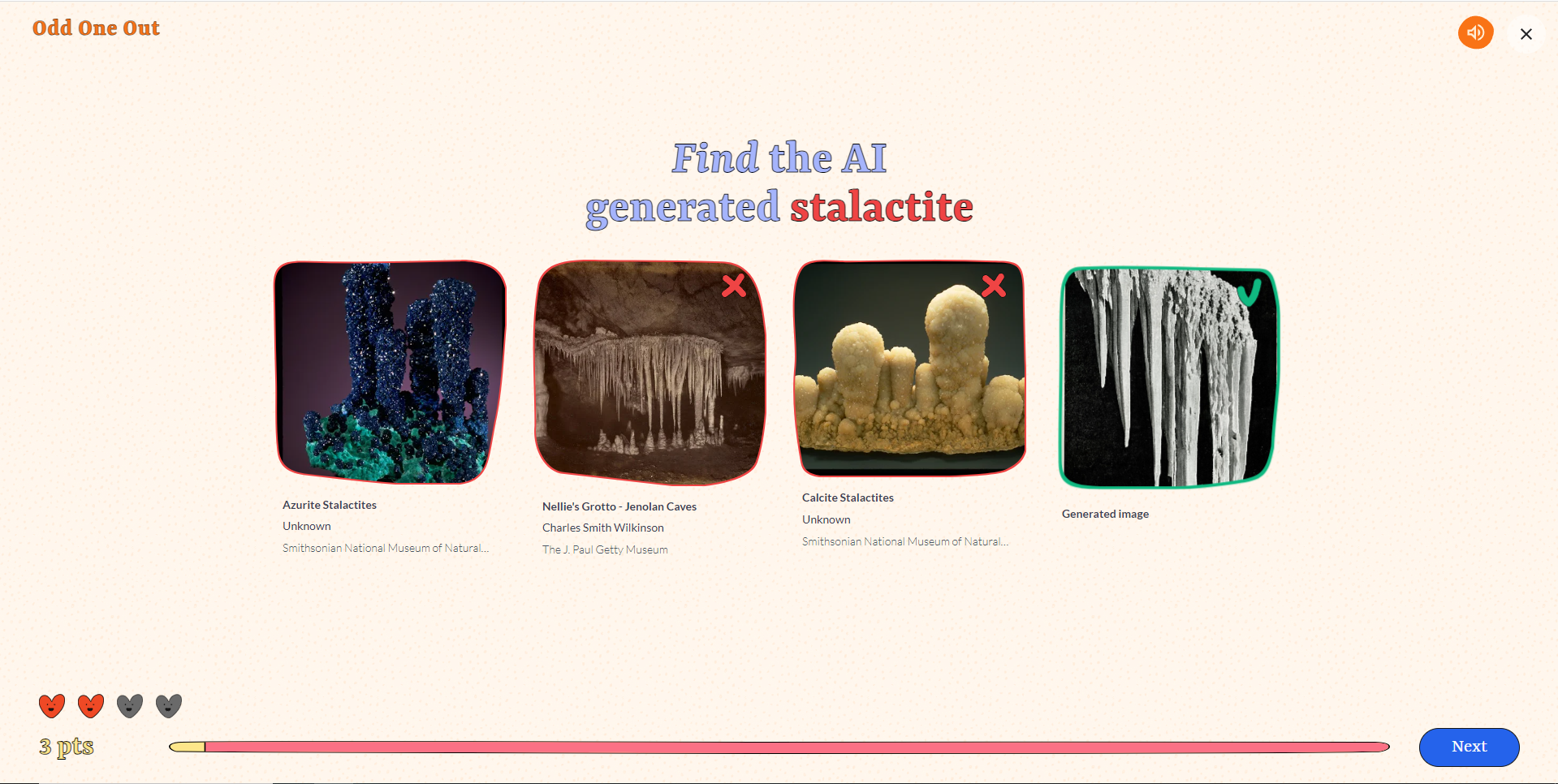
The third experiment uses AI and non-AI generated images to test the user on their ability to find the AI generated image. This is called odd one out (Google Arts & Culture, n.d.).
The fourth experiment named ‘Viola the Bird’ (Google Arts & Culture, n.d.) featured a bird with a violin that you control with your mouse to play music.
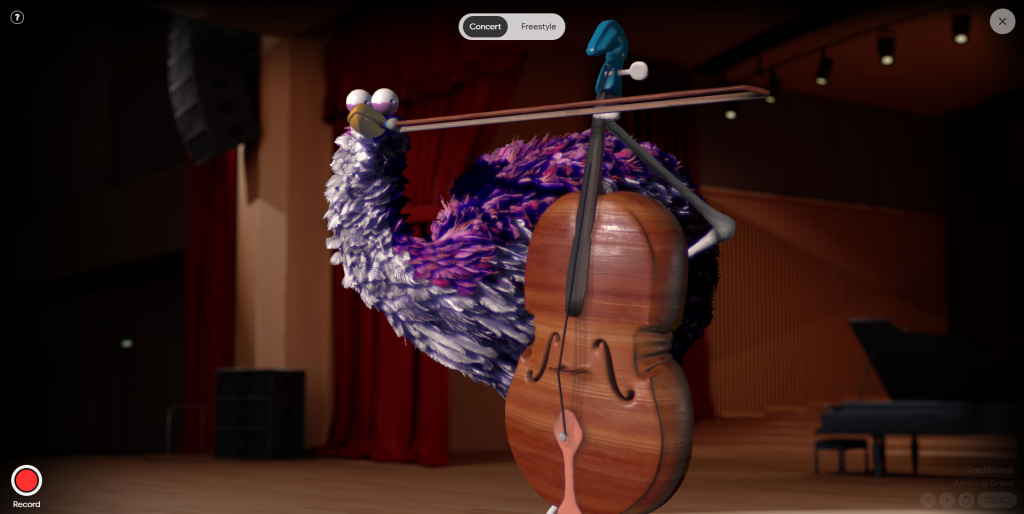
The following is a video of when I tried out Viola the Bird and recorded it through the record feature.
https://g.co/arts/bKyX83FQnvfNsyMQA
The final experiment I tried was the ‘Return of the Cat Mummy’ game (Google Arts & Culture, n.d.). This game has the user find lives and treasures with a cat as the main character, that is controlled using the keyboard.
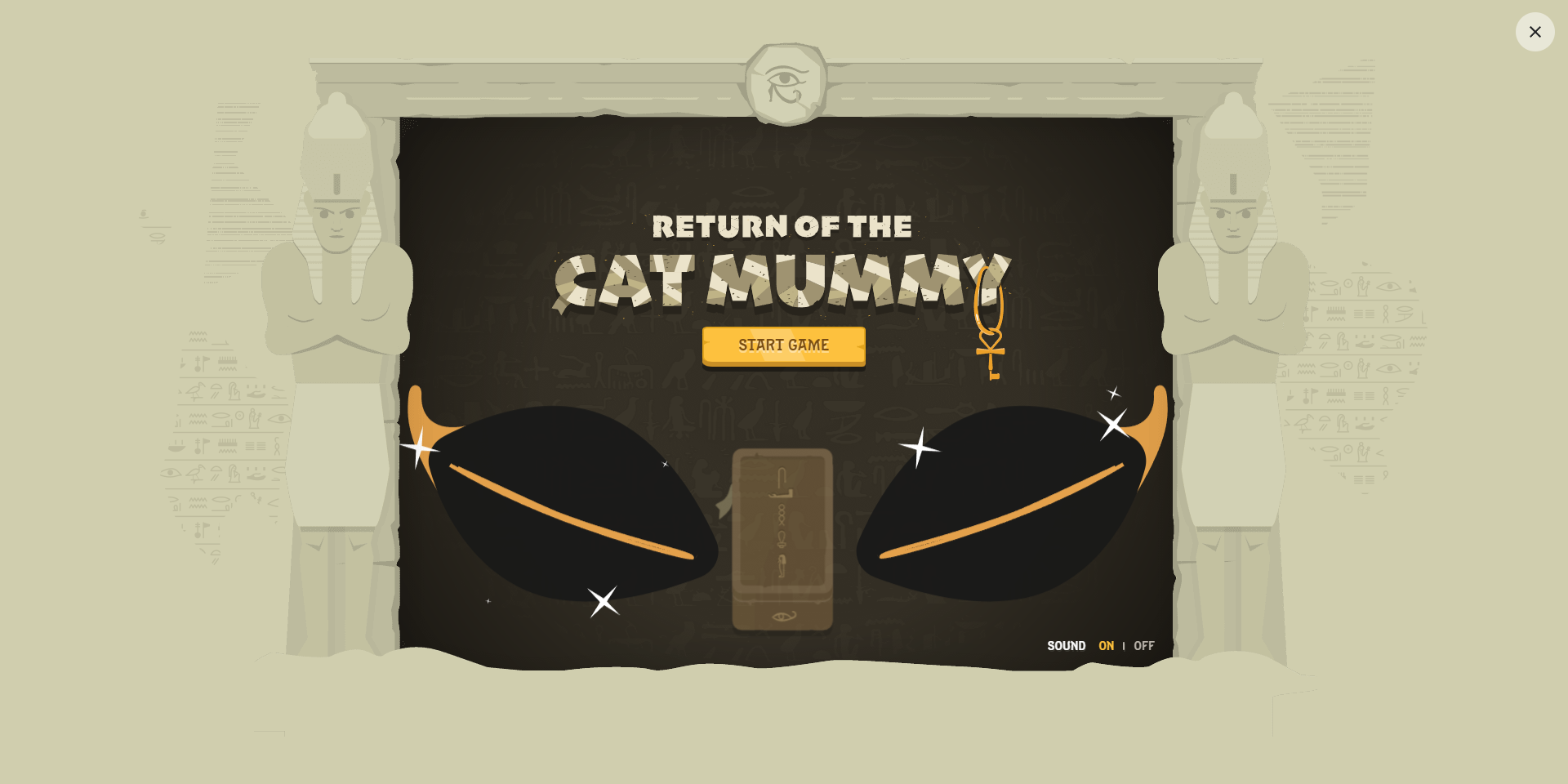
The following is a recording done through OBS of gameplay for Return of the Cat Mummy:
Reference list
C4rin3 (n.d.). Dancing Robots. [online] CodePen. Available at: https://codepen.io/c4rin3/pen/BaJwBo.
Chromeexperiments.com. (2019). Chrome Music Lab – Song Maker. [online] Available at: https://musiclab.chromeexperiments.com/Song-Maker/.
codepen.io. (n.d.). CodePen. [online] Available at: https://codepen.io/.
Experiments with Google (2009). Experiments with Google. [online] Withgoogle.com. Available at: https://experiments.withgoogle.com/.
Google Arts & Culture. (n.d.). Odd One Out. [online] Available at: https://artsandculture.google.com/experiment/wAHNn4JsVTFOiw [Accessed 30 Jul. 2023].
Google Arts & Culture. (n.d.). Return of the Cat Mummy. [online] Available at: https://artsandculture.google.com/experiment/pgG43DMmT4maVg?pli=1 [Accessed 30 Jul. 2023].
Google Arts & Culture. (n.d.). Viola the Bird. [online] Available at: https://artsandculture.google.com/experiment/nAEJVwNkp-FnrQ?cp=eyJyIjoiVWJha251NW1QVVpDIn0. [Accessed 30 Jul. 2023].
musiclab.chromeexperiments.com. (n.d.). Shared Piano – Chrome Music Lab. [online] Available at: https://musiclab.chromeexperiments.com/Shared-Piano/#wqzW3T9YP [Accessed 30 Jul. 2023].
notepad-plus-plus.org. (n.d.). Downloads | Notepad++. [online] Available at: https://notepad-plus-plus.org/downloads/.